Build With AI
Claude Code for Non-Developers: The Workflow Behind 1,156 Merged Changes
You don't have to write code to build software with Claude. You have to lead the work. Here's the workflow that does it.
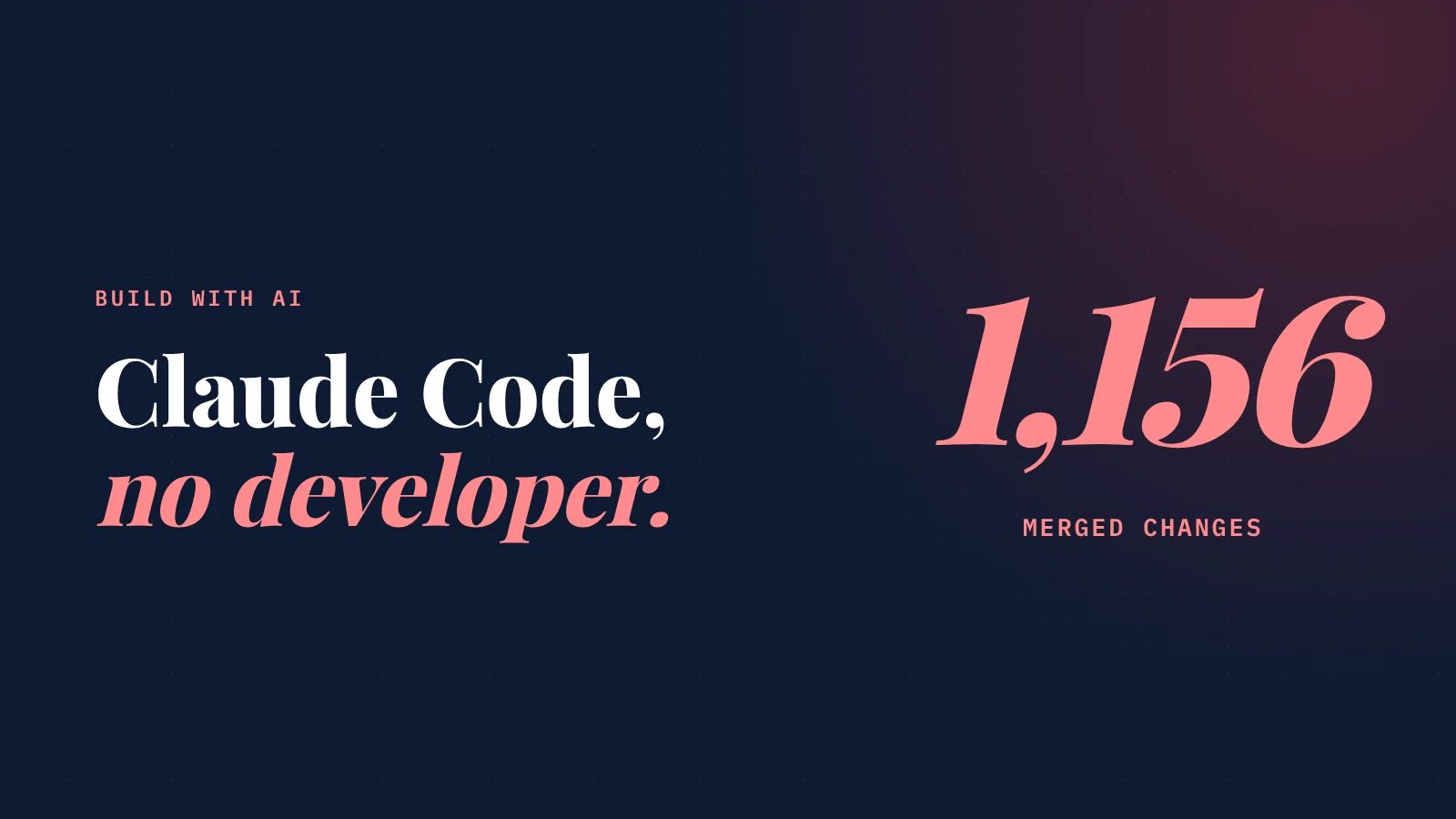
Can a non-developer really use Claude Code? Yes, if you change your job from writing code to leading the work.
Four habits make it work:
- Plan each feature in plain English first (I pressure-test plans with several AIs before Claude builds).
- Test the result like a customer instead of reading the code.
- Ask "is the root cause fixed?" every time Claude says "done."
- Spend your first week writing specs, not prompts.
I'm not a developer.
I'm a mechanical and industrial engineer with an MBA, and I spent more than ten years in UI design, writing and business development.
In 175 working days, we merged 1,156 changes into SiteNeuro, a live AI platform that has built more than 1,000 websites.
Claude wrote the code.
People ask me how that's possible.
The honest answer isn't a trick or a secret prompt.
It's a workflow.
Here it is, step by step.
The mindset shift: you're the architect, not the typist
Most non-developers open Claude Code and ask it to "build an app."
That's like hiring a construction crew and saying "build a house." You'll get a house. Probably not yours.
Your job isn't to write code. It's to decide exactly what gets built, and to check that it was.
Claude is extraordinary at the building. You stay responsible for the what and the why.
Step 1: Describe the feature in plain English, then interrogate it
Every feature starts as a conversation, not code.
When it's a big new feature that touches several parts of the product, I describe it to Claude in plain English, with as much detail as I can. Then I ask it to challenge the idea:
- Is it feasible the way I've described it?
- What could break? Any risks or heavy side effects elsewhere in the product?
- How does it change the customer's experience, for better or worse?
- Can it be improved? Is there a simpler or smarter way?
- How much work is it, and how long will it take?
- Which Claude model should do it, if I'm not sure?
No code is written in this step. It's pure thinking.
The cheapest bug is the one you talk your way out of before any code exists.
Step 2: Get a second (and third) opinion
If the feature is important, I don't trust one AI's plan. I get a second opinion.
I take the same question to ChatGPT, which I find very thorough and resourceful. It's creative at finding smart solutions and lays them out with a clear roadmap. Sometimes I also ask Grok and Gemini.
Then I bring their answers back to Claude and ask:
"Here's what ChatGPT, Grok and Gemini suggested. What do you think of their strategies? Take the best of them and write the final implementation plan."
Different models see different risks. Making them review each other's thinking catches problems none of them would catch alone.
Step 3: Turn the plan into a spec, then build
The final plan becomes a spec: a short document that says what the feature must do, what it must not do, and what "done" looks like.
Claude builds to that spec.
This is the heart of Spec-Driven Development. The spec, not the chat history, is the source of truth. I wrote about why in vibe coding vs. spec-driven development.
Step 4: Test it like a customer, not like a coder
Here's the question every non-developer worries about:
The book
The whole method, step by step.
Build Your AI Platform teaches non-developers to build real products with Claude and Spec-Driven Development. Chapter 1 is free.
- 29 chapters, five levels, step by step
- Three complete builds, start to finish
- Templates, checklists and a prompt kit
- Chapter 1 is free to read, in full

"How do I know it works if I can't read the code?"
You test what the code is supposed to do.
I check the functionality myself, from several angles:
- Does it work? I go through the feature the way a customer would.
- Does it look right? If it's design, I recreate the experience on desktop and on my phone.
- Does it feel right? If it's user experience, I walk through it as a first-time visitor would.
If something isn't right, I tell Claude exactly what's not working, usually with a screenshot. A screenshot and one clear sentence beat a paragraph of description.
You don't need to read every line to judge whether the result is right. You need to know what right looks like. That's what the spec is for.
Step 5: When Claude says "done," ask one question
Claude will often report that a task is complete.
My first check is simple: is it actually working?
And if it was a bug fix, the second check matters even more:
Was the root cause fixed, or just the symptom?
An AI can make an error message disappear without fixing what caused it. Asking for the root cause, and checking it, is the habit that keeps a growing product from slowly filling with hidden problems.
"Done" is a claim. Your job is to verify it.
What I got wrong in the first month
The first month was the slowest.
It was mostly planning, trial and error, and fixing bug after bug, because the rules weren't set yet. Every lesson I learned lived in my head, not in the specs, so the same mistakes came back.
The models were also earlier-generation then. I started on Claude Sonnet 3.5. The evolution from there to Opus 4.8 has been huge.
What changed everything was turning each mistake into a written rule. Once the rules were in the specs, Claude stopped repeating them, and progress sped up month after month.
What I'd tell you on day one
Spend your first week building your specs. Not your app.
- Start with a foundation document. If you use GitHub's Spec Kit, that's its "constitution": the principles your project follows.
- Write down what you want, and just as important, what you don't want.
- Describe your goals and who the product is for.
- Brainstorm with Claude until you have a solid version 1 of your specs.
- Then start building, and let the specs grow. Every new rule and every fixed mistake makes them stronger.
A good foundation matters. But you don't need a perfect one to start. You need a good one that you keep improving.
The step-by-step version of this method, for non-developers, is in how to build an AI app without coding.
The workflow on one page
| Step | What you do | What Claude does |
|---|---|---|
| 1. Describe | Explain the feature in plain English | Challenges it: feasibility, risks, UX, effort |
| 2. Second opinion | Ask ChatGPT (and Grok, Gemini) | Compares their plans and writes the final one |
| 3. Spec | Approve what "done" looks like | Builds to the spec |
| 4. Test | Use it like a customer, on desktop and phone | Fixes what you report (with screenshots) |
| 5. Verify | Ask: is it working? Is the root cause fixed? | Proves it, or tries again |
| 6. Learn | Turn each mistake into a rule | Follows the rule next time |
Straight answers
Can a non-developer use Claude Code?
Do I need to read the code Claude writes?
What should a beginner do first with Claude Code?
Is it worth asking other AI models for a second opinion?
How long does it take to build a real product this way?
Build your AI platform
The whole method, step by step, by a founder who is not a developer. Read Chapter 1 free first.
The Book $29 $19
244 pages. From your first idea to paying customers.
- 29 chapters in five levels
- Three complete builds
- A 30-day build challenge
- Templates, checklists, prompts, glossary
Book + Builder Kit $49 $39
The book, plus your first project set up for you.
- Everything in the book
- Starter project, ready for Claude Code
- 4 Claude skills and 6 guides
- Free updates
Founding price, for a limited time.