Get More Customers
How to Raise Your Prices Without Losing Customers
How do you raise prices without losing customers? Raise them on a planned date, give your regulars clear notice, explain the reason in one honest sentence, and show the value they're getting. Most customers accept a fair, well-communicated increase.
Raising prices feels scary.
You picture your best customer reading the new price list, frowning, and walking out.
So you wait.
Another month. Another quarter.
Meanwhile your rent went up. Your supplies went up. Your own time got more valuable.
Here's the thing.
Not raising prices is also a decision. It just costs you quietly, every single sale.
Let's make the increase without the drama.
Signs it's time to raise your prices
You probably need to raise prices if:
- Your costs went up and your prices didn't.
- You're booked out for weeks, or turning work away.
- Customers say "that's very reasonable" — or seem surprised it's not more.
- You haven't changed prices in over a year.
- You're working more and taking home the same (or less).
- Competitors charge noticeably more for similar work.
If three or more of those are true, you're not early.
You're late.
Why customers stay when prices go up
Most people don't pick a local business only on price.
They pick it because:
- They trust you. Switching to a stranger is a risk.
- It's convenient. You're nearby, you know their history, you're easy to book.
- The result is good. And good results are worth paying for.
So a modest increase rarely outweighs all of that.
What does push people away?
- Surprise. Finding out at the till.
- Silence. No explanation at all.
- Feeling taken for granted. Especially loyal customers.
Customers rarely leave over a fair price. They leave over feeling blindsided.
All three are about how you raise prices — not how much.
Step 1: Decide how much to raise
There's no universal right number. But a few principles help.
- Work from your costs first. What do you need to earn per job, visit or hour to make the business worth running?
- Check the local market. Look at what similar businesses near you charge.
- Prefer one clear increase over many tiny ones. Constant nudges feel like nickel-and-diming.
- Round to clean numbers. $85 reads better than $83.50.
And consider this.
You don't have to raise everything. Sometimes the fix is raising your most underpriced service, or adding a premium option above your current one.
Step 2: Pick a date and give notice
Choose a date and stick to it.
The start of a month, a season or a new year works well — it feels natural.
Then give regular customers notice. A few weeks is courteous. For retainers or ongoing contracts, more is better — and check what your agreements say.
New customers? They simply see the new price.
Step 3: Tell customers — briefly and honestly
You don't need to apologize.
Your growth partner
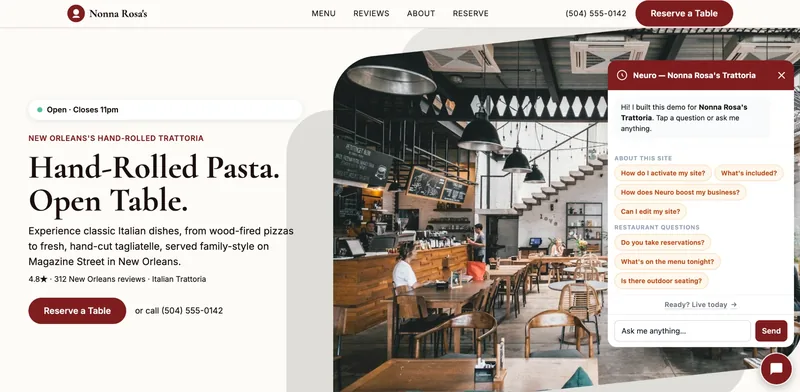
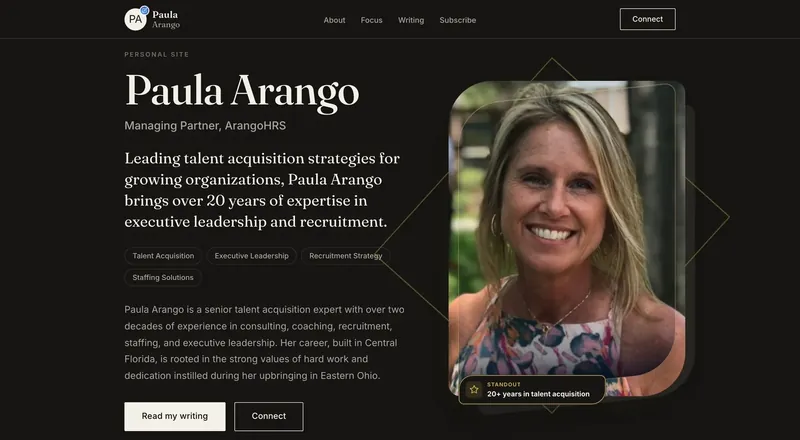
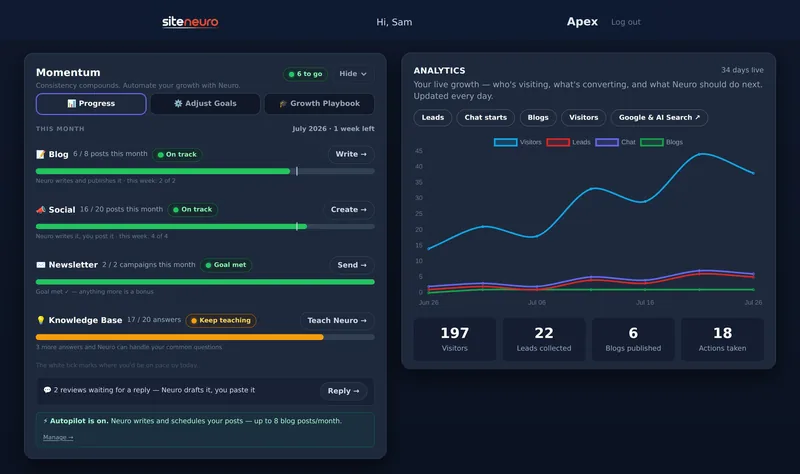
A website is the start. Neuro keeps it working.
- Built from your Google or LinkedIn
- Answers visitors, captures leads
- Drafts blog, social and newsletter
- Nothing goes out until you approve it
You don't need a three-paragraph letter either.
You need to say what's changing, when, and why — in that order.
Here's an email or text you can adapt:
"Hi Jordan — a quick heads-up: from 1 January our standard service will be $95. Our costs have gone up this year, and this lets us keep the same quality you're used to. Thanks so much for being a regular — it means a lot."
For professionals on a retainer:
"From February, my monthly retainer will move to $1,400. I'm giving you plenty of notice so you can plan. Here's what's included, and what I've added this year..."
A few tips:
- One honest reason is enough. "Costs have risen" is true for almost everyone right now.
- Thank them. Loyal customers should feel valued, not targeted.
- Update everywhere on the same day — your website, Google Business Profile, menus and invoices.
Step 4: Show the value, not just the price
Price feels high when value feels invisible.
So make the value visible:
- Show what's included. List it. People forget how much you do.
- Show proof. Reviews, photos of your work, before-and-after results.
- Show what changed. New equipment, faster turnaround, extra training, longer hours.
Your website is the natural place for this.
A clear services page with prices, inclusions and real reviews answers the "is it worth it?" question before anyone asks. (Here's what every local business website needs.)
Step 5: Handle pushback calmly
A few customers will push back.
That's normal. It doesn't mean you got it wrong.
When someone objects:
- Listen first. Let them finish.
- Restate the value in one line, without getting defensive.
- Offer an option if you have one — a smaller package, a less frequent visit.
- Don't cave on the spot. One discount for one complaint quickly becomes everyone's discount.
And if someone leaves?
That's okay.
The customers who leave over a fair increase are usually the ones most sensitive to price — every time. Losing a small number is often fine if everyone else now pays a sustainable rate.
Should you grandfather loyal customers?
Grandfathering means keeping old prices for existing customers.
It can work as a short, defined thank-you — "your price stays the same until March."
But permanent grandfathering gets messy. You end up with five price lists and resentment about who pays what.
A time-limited grace period usually gives you the goodwill without the mess.
Your price-increase checklist
- Review your costs and what you need to earn.
- Check local competitors.
- Decide the new prices and round them cleanly.
- Set a date at the start of a month or season.
- Tell regular customers in advance, in one short message.
- Update your website, Google profile and materials on the day.
- Make your value visible with inclusions, reviews and photos.
- Review again in 12 months.
Frequently asked questions
How do I tell customers about a price increase?
How much notice should I give before raising prices?
How often should a small business raise its prices?
Will I lose customers if I raise my prices?
Should I explain why I'm raising prices?
How do I raise prices for existing clients as a consultant or freelancer?
Ready to put this to work?
Pick how much help you want. Both start with a free look at your site.
Apex Concierge $119/mo
Your website, plus a growth team every week.
- Your site in your inbox within 2 hours
- 30-minute setup call with a specialist
- Answers visitors, captures leads
- Drafts blog, social and newsletter
Essential $39/year
Just the website, done properly.
- Built from your Google or LinkedIn
- Set up for Google and AI search
- Hosting and security included
- Unlimited edits, no extra cost