AI Search
Ask ChatGPT Who to Hire in Your Field. Are You on the List?
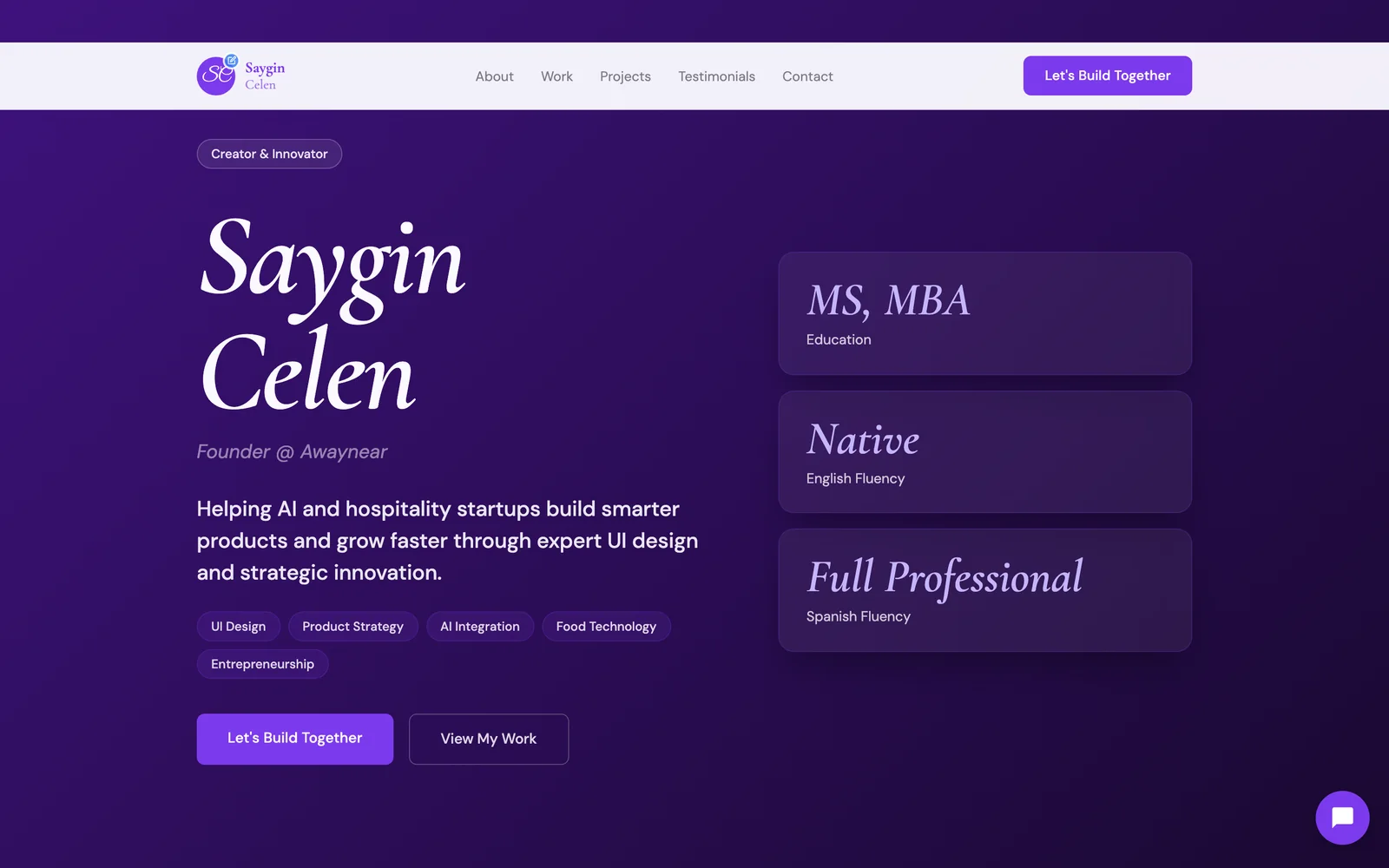
How do you get recommended by ChatGPT? Give it something clear to read. AI assistants recommend professionals they can find on the open web, with a public page that says plainly who you help, where, and with what result, backed by the same details everywhere else.
Here's the uncomfortable part.
Most independent professionals have never checked whether AI recommends them.
And a lot of their future clients have already asked.
So let's check.
It takes five minutes, and you'll know exactly where you stand.
The 5-minute test
Open a private or logged-out browser window, so your own history doesn't skew the answer.
Then ask two or three AI assistants, such as ChatGPT, Perplexity, Google's AI Mode or Gemini, a question a real buyer would type.
Use your own niche and city:
- "Who's a good fractional CFO for a startup in Austin?"
- "Recommend an executive coach for new managers in London."
- "I need an interior designer for a small apartment in Miami. Who should I talk to?"
- "Best independent marketing consultant for B2B SaaS in Toronto?"
Ask each one three times, worded slightly differently.
Answers change from run to run, so one result tells you little. A pattern across nine answers tells you a lot.
Write down every name you see, and where each one is linked.
How to read your results
You'll land in one of three places.
1. You're named, and the answer links to your own site. You're in great shape. Re-test every month to stay there.
2. You're named, but only through a directory, an article or a LinkedIn post. AI knows you exist, but it's leaning on someone else's description of you. That's fragile.
3. You're not named at all. This is the most common result for independent professionals.
And it's not a judgment on your work.
It's a sign that the machine has nothing clear to read about you.
Now look at who was named.
Click through to their sources.
You'll usually notice a pattern.
Why AI recommends some professionals and not others
AI assistants are not ranking talent.
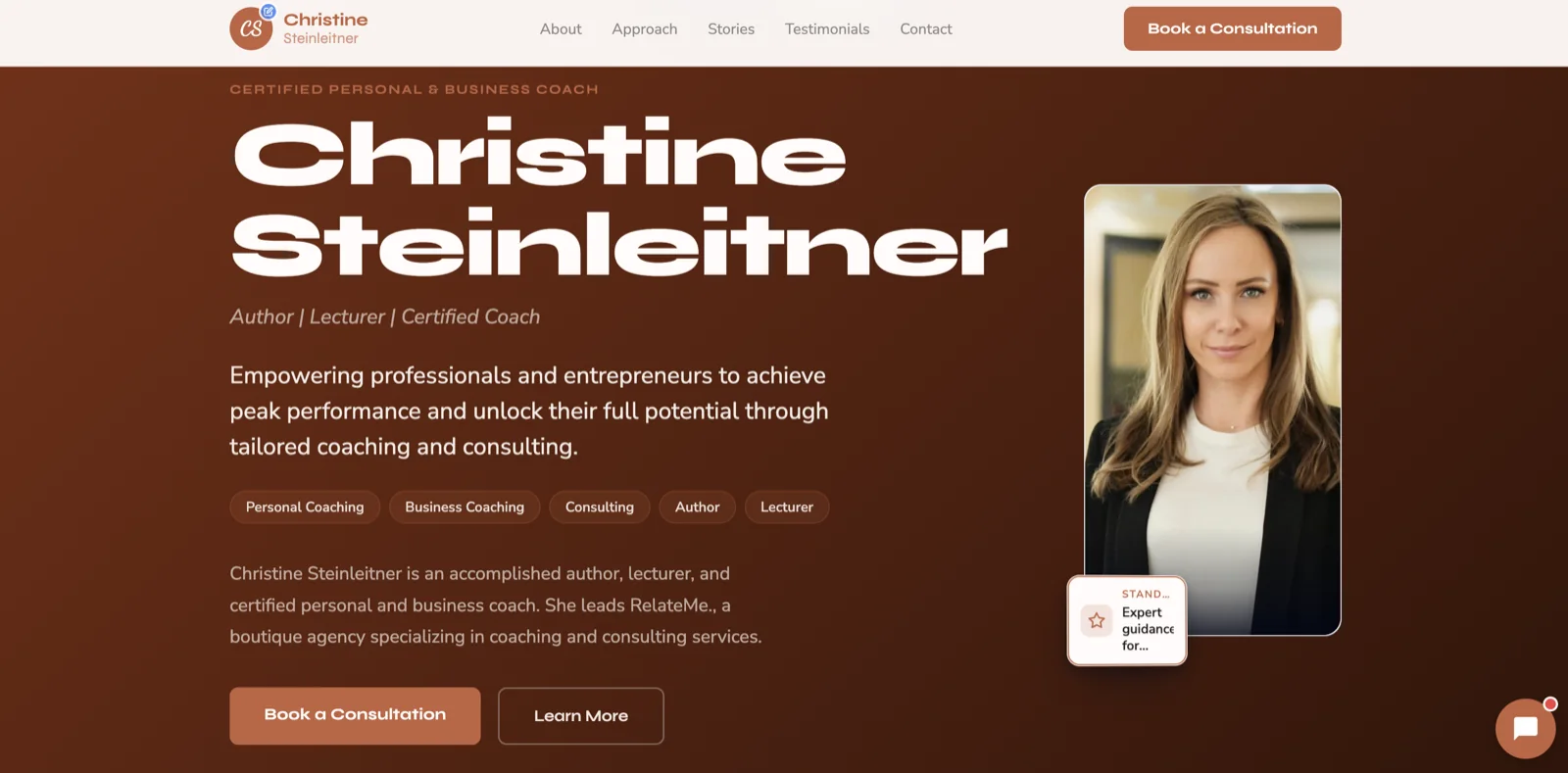
Curious what yours would look like?
Local business or professional — Neuro builds your site from your own data in about 60 seconds.
Build my demo in 60 seconds →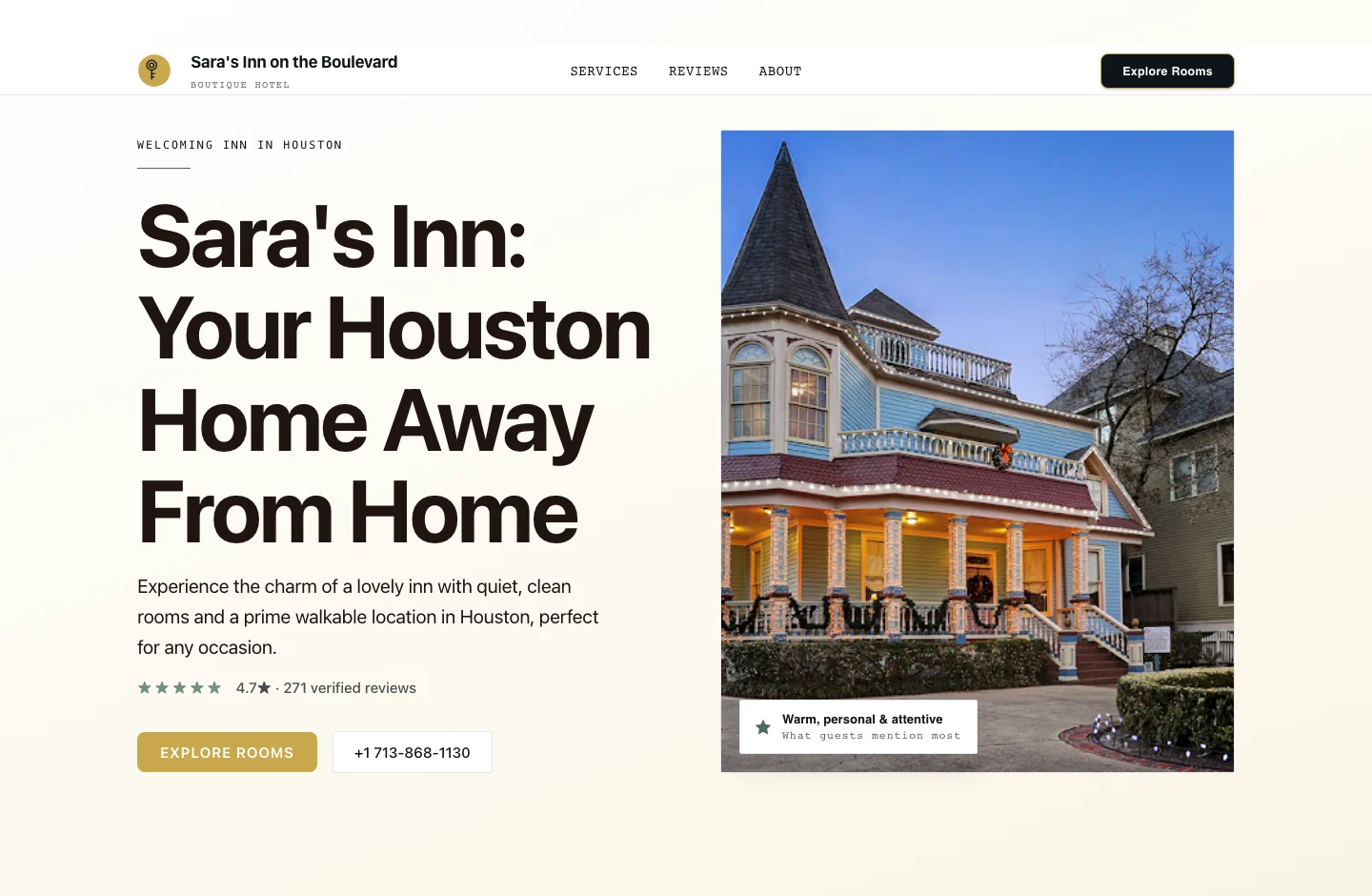

They're summarizing what they can read and trust.
Three things decide what they can read.
Can it see you at all?
LinkedIn limits what logged-out visitors and most automated crawlers can see.
So the place where most professionals keep their best material (posts, recommendations, results) is often partly invisible to AI tools.
A profile the AI can't read is a profile it can't recommend.
Does it understand what you do?
"Helping leaders unlock potential" sounds nice.
But it doesn't answer a buyer's question.
AI matches answers to questions. A page that says "Fractional CFO for venture-backed startups in Austin" matches the question above almost word for word.
Plain language beats clever language, every time.
Does anyone else confirm it?
AI tools look for agreement.
Your name, title and location appearing the same way on your site, your LinkedIn, a professional directory and an article or podcast all point in one direction.
Scattered or mismatched details make you a weaker bet.
AI recommends the professional it can understand fastest, not the one who is best at the job.
7 fixes that make you easy for AI to recommend
You don't need all seven at once.
Start at the top. The first two matter most.
1. Have one public page that's actually yours
This is the foundation.
A personal website on your own domain, readable by anyone, with no login wall.
It's the one source you control, and the one AI tools can read in full.
We compared what LinkedIn and a website each do in LinkedIn vs. a Personal Website.
2. Say who you help, where, and with what result
Put it in your headline, in plain words.
- Who: "Founders of venture-backed startups"
- Where: "Austin and remote across the US"
- What: "Board-ready financials and a 13-week cash forecast"
If a buyer would type it, your page should say it.
3. Use the same name, title and city everywhere
Match your website, LinkedIn headline, directory listings and speaker bios.
Consistency is how AI decides several mentions are the same person.
4. Answer the questions buyers actually ask
Add a short FAQ to your site.
"Do you work with companies my size?" "How does an engagement work?" "What does it cost to start?"
These are exactly the questions people put to AI tools. Answer them clearly, and you become the quotable source.
5. Add the structured data machines look for
Structured data (schema markup) is a small block of code that tells search engines and AI tools, in their own format, "this is a person, this is their job, this is where they work."
Most website builders can add it. Ask whoever builds your site to include `Person` and `ProfessionalService` details.
6. Get mentioned somewhere credible
One guest article, a podcast interview, or a listing in your professional association's directory.
Each one is an independent voice that confirms you are who your site says you are.
7. Re-run the test every month
AI answers shift as new pages appear.
Keep your nine prompts in a note. Run them on the first of each month. Track whether you move from "not named" to "named via a directory" to "named with your site."
Where this leaves you
If you ran the test and didn't appear, you're in good company.
Most independent professionals don't.
The fix is not more LinkedIn posts. It's giving AI one clear, public page to read.
If you'd rather not build that from scratch, Neuro can build one from your LinkedIn profile, with the plain-language headline, FAQ and structured data already in place. You can see it free first.
Then run the test again in a month.
Frequently asked questions
How does ChatGPT decide which professionals to recommend?
Can ChatGPT read my LinkedIn profile?
Why do I get different answers each time I ask?
Do I need a website to show up in AI search?
How long does it take to start appearing in AI answers?
What is llms.txt, and do I need it?
See what Neuro would build for you
Build your demo from your own data in about 60 seconds — then watch your AI team take it live and grow it.
Build my demo in 60 seconds → Explore the showcaseJust need the website itself — no ongoing marketing? See Essential — $39/year →