AI Search
Can ChatGPT Review Your Website? 7 Prompts and What to Fix First
AI can look at your website the way a stranger does. Here are 7 prompts that show you what to fix first.
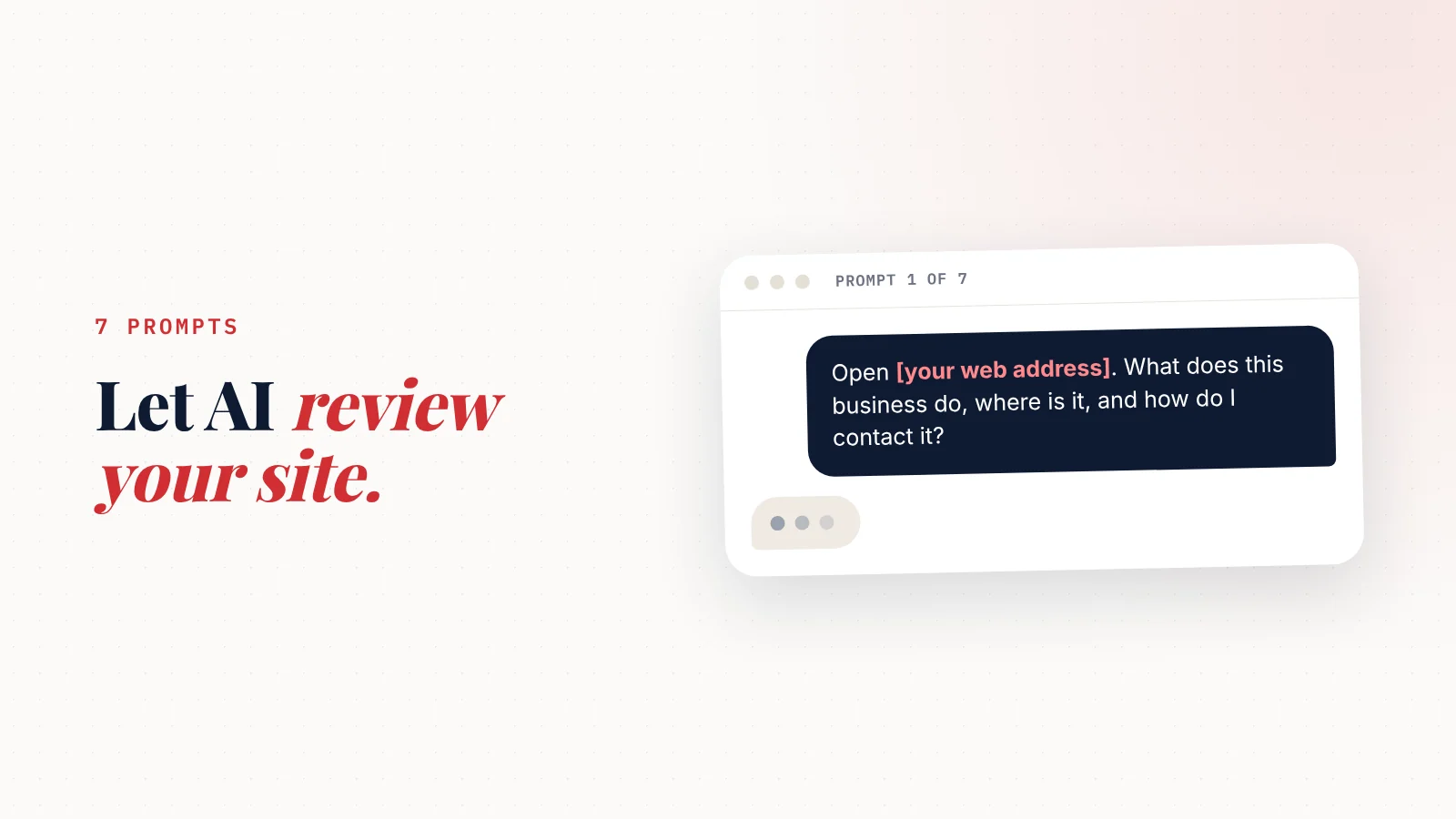
Can ChatGPT review my website? Yes.
Paste your web address (or your page text) into ChatGPT, Claude or Gemini.
Then ask specific questions: is it clear what you do, who it's for, where you are, and what to do next?
Specific prompts get useful answers; "review my website" gets generic ones.
Use the seven prompts below, then fix the problems in the order listed.
Your website looks fine to you.
Of course it does. You know what you do.
The real test is a stranger who lands on it with ten seconds and a question.
You can't un-know your own business. But an AI assistant can play that stranger for free, in about five minutes.
There's a catch, though.
Ask "can you review my website?" and you'll get a polite list of generic advice.
"Consider adding a clear call to action."
Thanks.
The trick is asking the questions a customer would.
Before you start: 2 things to know
1. Check that it can actually see your site.
ChatGPT, Claude and Gemini can usually open a public web page when you paste the link. But sometimes they can't load it, or they read an old version.
So the first prompt below checks what it actually saw. If the answer doesn't match your page, copy your page text and paste it in instead.
2. Treat its answers as a second opinion, not a verdict.
AI can be confidently wrong. If it says your phone number is missing and it's right there, it misread the page. Check each point against the real site.
The 7 prompts
Copy each one, replace the parts in brackets, and paste it into the assistant you use.
Your growth partner
A website is the start. Neuro keeps it working.
- Built from your Google or LinkedIn
- Answers visitors, captures leads
- Drafts blog, social and newsletter
- Nothing goes out until you approve it
Rated Excellent on TrustpilotGlobal review platform · 300M+ reviews
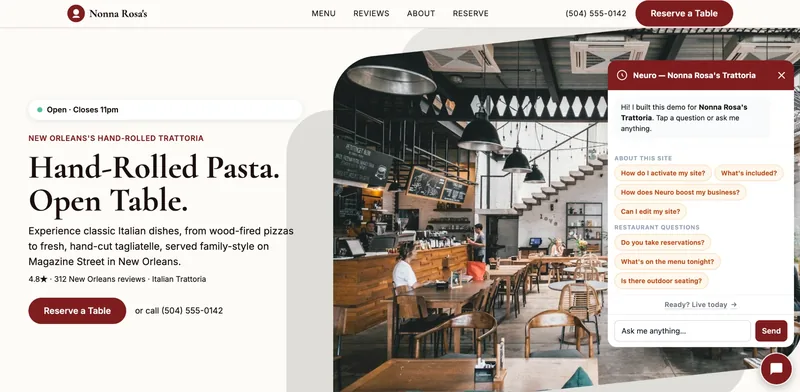
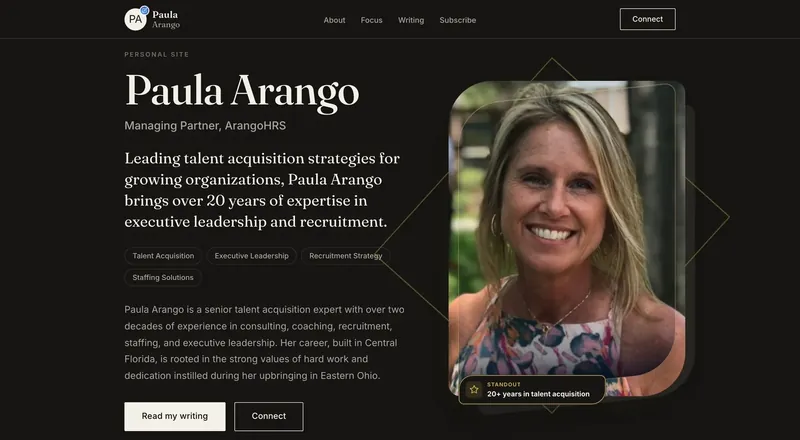
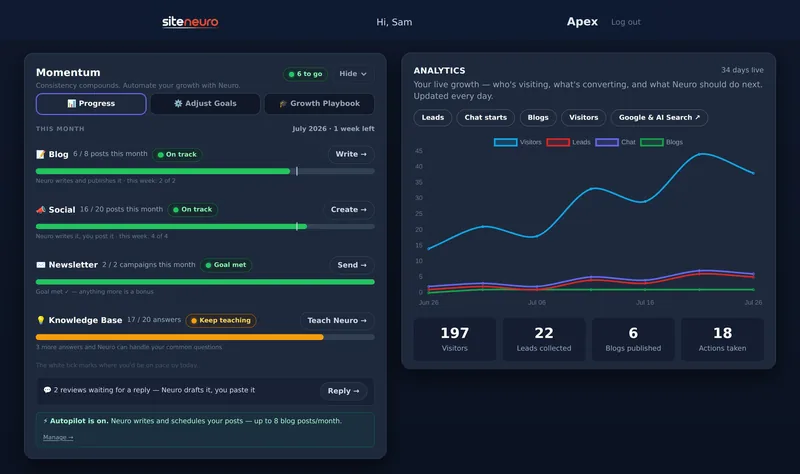
Prompt 1: What did you actually see?
"Open [your web address]. Tell me in 3 sentences what this business does, where it is, and how to contact it. Only use what's on the page."
What you're checking: if the AI can't answer this, a customer skimming on a phone probably can't either.
Common results:
- It gets your service wrong → your headline is vague.
- It can't find your location → your area isn't stated in plain text.
- It can't find how to contact you → your phone or booking button is hidden or missing.
Prompt 2: The 5-second test
"Pretend you're a customer who found this page on your phone while searching for [your service] in [your town]. In the first 5 seconds, what do you understand? What's confusing? What would make you leave?"
What you're checking: the top of your page. That's where most visitors decide.
Prompt 3: Would you trust this business?
"Look for trust signals on this page: reviews, ratings, years in business, photos of real people or work, licenses, guarantees. List what's there and what's missing compared with a typical [your type of business]."
What you're checking: whether a stranger has a reason to believe you. Real reviews and real photos do more than any slogan.
Prompt 4: Is the next step obvious?
"What is the main action this page wants me to take? How many times is it offered, and where? Is it easy to do on a phone?"
What you're checking: one clear action (call, book, get a quote) that's easy to find. If the AI finds three different competing actions, customers will hesitate.
Prompt 5: Local search check
"Based on this page, which local searches could this business show up for? Is the service area clear? Are the business name, address and phone written in plain text? What local details are missing?"
What you're checking: whether Google can tell where you work. "Serving Tampa, Brandon and Riverview" in plain text beats a pretty map image.
Prompt 6: Would an AI recommend this business?
"If someone asked you 'who's a good [your service] in [your town]?', what on this page would help you recommend this business? What information would you need that isn't here?"
What you're checking: your readiness for AI search, where more customers now ask assistants for recommendations. This prompt shows you the gaps from the assistant's own point of view.
There's a deeper guide on how to get ChatGPT to recommend your business.
Prompt 7: Rewrite the top of the page
"Rewrite the headline and the first two sentences of this page so a customer immediately knows what we do, where, and why to choose us. Use details from our reviews. Give me 3 options, under 15 words each for the headline."
What you're checking: this one gives you a fix, not just a diagnosis. Pick the option that sounds most like you, then edit it.
What to fix first
You'll end up with a long list. Don't try to fix everything.
Fix in this order, because each one matters more than the next:
- What you do and where. In your headline, in plain words.
- How to contact you. A phone number or button visible without scrolling.
- Proof. At least three real reviews near the top.
- Real photos. Your work, your team, your place.
- Service area and services. Written as text, not only inside images, and matching your Google profile (here's a Google Business Profile checklist).
- Everything else. Colors, fonts, wording polish.
Most websites don't lose customers because they're ugly. They lose them because they're unclear.
What ChatGPT can't tell you
An AI review is a great start. But it can't see:
- Your real traffic. How many people visit and where they come from. That's in Google Search Console or your site's analytics.
- Your speed on a real phone. Use Google's free PageSpeed Insights for that.
- What your customers actually think. Ask three customers to find your phone number on your site and time them.
Once the page is clear, the next job is getting people to it: here are 12 free ways to promote your website.
If the AI review turns up a lot of basics missing, the problem may be the site itself, not the wording. A site built from your Google listing and real reviews starts with those basics already in place. That's how SiteNeuro builds one.
Straight answers
Can ChatGPT review my website?
Can ChatGPT see my website?
Is ChatGPT's website feedback accurate?
What's the best prompt to review a website?
Can AI fix my website for me?
Ready to put this to work?
Pick how much help you want. Both start with a free look at your site.
Apex Concierge $119/mo
Your website, plus a growth team every week.
- Your site in your inbox within 2 hours
- 30-minute setup call with a specialist
- Answers visitors, captures leads
- Drafts blog, social and newsletter
Essential $39/year
Just the website, done properly.
- Built from your Google or LinkedIn
- Set up for Google and AI search
- Hosting and security included
- Unlimited edits, no extra cost
Rated Excellent on TrustpilotGlobal review platform · 300M+ reviews