AI Tools
Claude Connectors for Small Business: Which to Turn On First
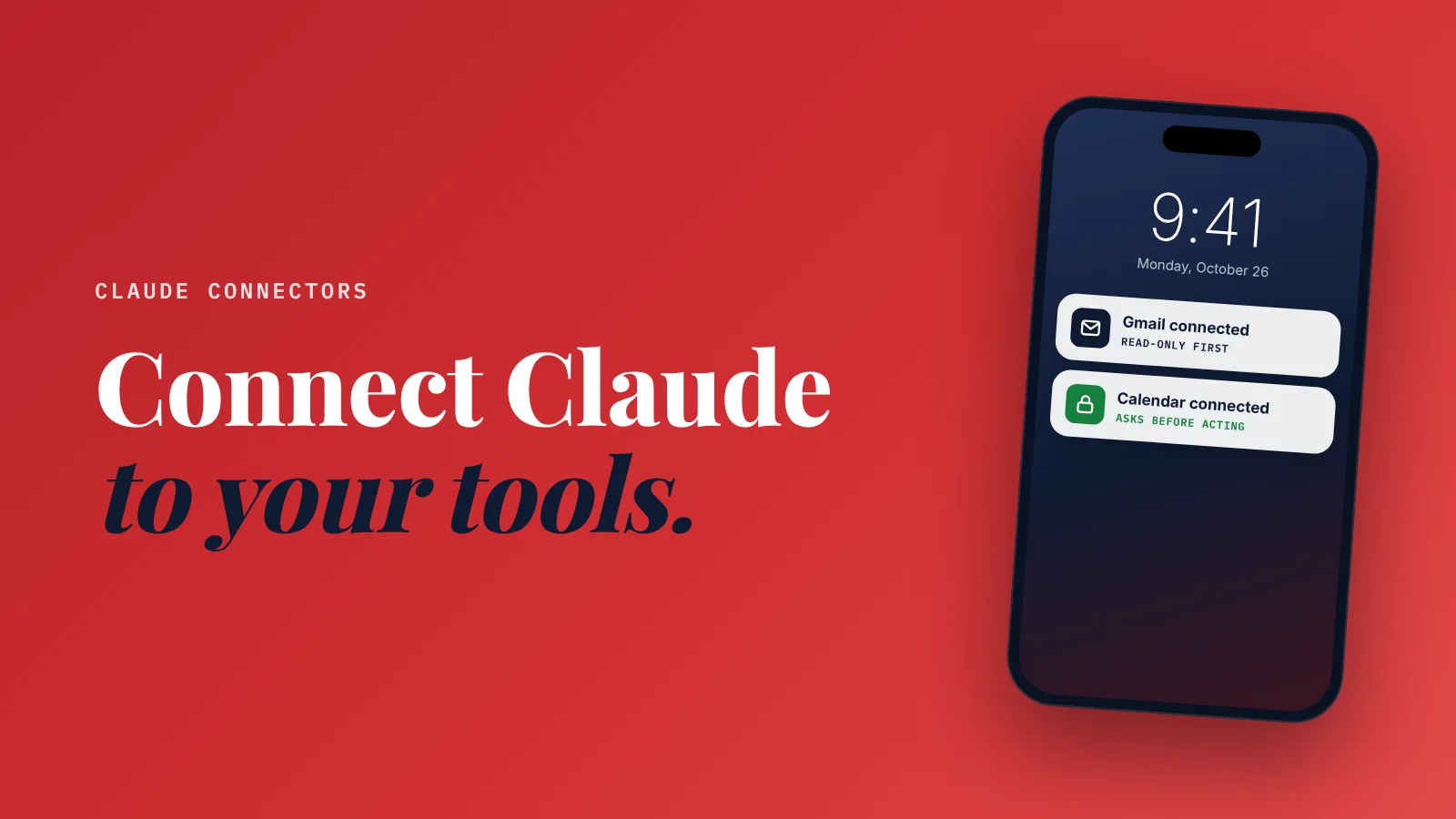
What are Claude connectors, and which should a small business use? Connectors let Claude work with the apps you already use, such as Gmail, Google Calendar, Google Drive, Canva, Shopify and HubSpot, so it can find, read and act on your real information instead of what you paste in.
Start with your inbox, calendar and files; add the rest once you trust it.
Most people use AI like a very smart stranger.
They copy an email.
Paste it in.
Copy the answer.
Paste it back.
It works. But it's slow, and the AI never sees the rest of your business.
Connectors change that.
Instead of pasting your business into the chat, you let the AI look where the information already lives, with your permission, app by app.
Here's what that means for a small business, which connectors are worth turning on first, and how to stay in control.
What a connector actually does
A connector is a secure link between Claude and another app.
Once you connect Gmail, for example, you can ask:
- "Find every email from my landscaping supplier this month and list what they quoted."
- "Draft a reply to the customer who asked about weekend appointments."
- "Which client emails from last week haven't I answered?"
Claude searches your real inbox to answer. You don't copy anything.
Three things are worth knowing up front:
- Connectors are included on Claude's free plan, according to Anthropic's pricing page (checked October 16, 2026). Paid plans give you more usage.
- You sign in to each app yourself, and Claude can only reach what your own account can reach.
- You choose what it's allowed to do. For each connector you can set its tools to always allowed, needs approval, or blocked. For example, let it read email but never send.
The 5 connectors to turn on first
These cover the work almost every small business does every day.
1. Gmail
Best for: catching up, drafting replies, finding things.
Your inbox holds your quotes, orders, customer questions and supplier promises. With Gmail connected, Claude can search it, summarize threads and draft replies for you to review.
Try: "Summarize what's waiting on me in my inbox, most urgent first."
My advice: start with sending set to "needs approval," so nothing leaves without you seeing it.
2. Google Calendar
Best for: planning your week and booking around real availability.
Claude can look at your schedule and help coordinate meetings.
Try: "What does my week look like, and where can I fit two 90-minute site visits?"
3. Google Drive
Best for: finding and using your own documents.
Price lists, contracts, menus, old proposals, staff guides. Claude can search and read them, and use them as the starting point for something new.
Try: "Using last year's proposal for the Miller job, draft a new one for a similar kitchen remodel."
4. Canva
Best for: turning ideas into finished graphics.
Claude can search your Canva designs, create new ones, fill your templates and export them.
Try: "Make three versions of our weekend special post using our existing brand template."
5. Notion or Slack (if your team uses them)
Best for: teams of two or more.
If your team's tasks or notes live in Notion, or your conversations happen in Slack, connecting them lets Claude pull context from where work already happens.
Try: "What did the team decide about the holiday schedule?"
Connectors for specific kinds of business
Once the basics are working, add the one that matches your business model:
| If you... | Connect | What it helps with |
|---|---|---|
| Sell online | Shopify | Building, managing and analyzing your store |
| Track leads and clients | HubSpot | Bringing customer history into answers and next steps |
| Manage projects | Asana | Coordinating tasks, projects and goals |
| Run a team chat | Slack | Sending messages and pulling team context |
The full list lives in Claude's connectors directory and grows every month. Check it for the specific apps you use before you assume something isn't supported.
Three workflows that save real time
The Monday catch-up
"Look at my inbox and calendar. What do I need to handle this week, and what have I forgotten to reply to?"
Your growth partner
A website is the start. Neuro keeps it working.
- Built from your Google or LinkedIn
- Answers visitors, captures leads
- Drafts blog, social and newsletter
- Nothing goes out until you approve it
Rated Excellent on TrustpilotGlobal review platform · 300M+ reviews
One question replaces 30 minutes of scrolling.
The quote in five minutes
"Find the customer's request in my email, pull our current price list from Drive, and draft a quote using the format of my last proposal."
Three apps, one draft. You still review every number before it goes out.
The content week
"Read the last five reviews customers emailed us, then create three social posts in Canva from our template using the best lines."
Your real customers' words become your marketing.
How to stay in control
Giving an AI access to your inbox deserves a few rules:
- Connect one app at a time. Get comfortable before adding the next.
- Set write actions to "needs approval." Reading is low risk. Sending, deleting and editing are not.
- Use a business account, not your personal one, where you can.
- Review before anything goes to a customer. AI drafts are drafts.
- Remove access when you stop using a connector. You can disconnect any time.
- Keep sensitive data out. Don't connect folders that hold passwords, payment details or medical records unless your plan and your obligations allow it.
Let it read freely. Make it ask before it acts.
Is this better than ChatGPT or Gemini?
Not better, different.
ChatGPT and Gemini also connect to other apps, and Gemini works directly inside Gmail, Docs and Sheets on Google's AI Pro plan. If your business runs entirely on Google, that may suit you better.
I compared all three by job, cost and data handling in ChatGPT vs Claude vs Gemini for small business.
What connectors don't do
Connectors make Claude a much better assistant. But it's still an assistant you have to open and ask.
It won't notice on its own that your website is out of date, that three Google reviews are waiting for a reply, or that you haven't posted in two weeks.
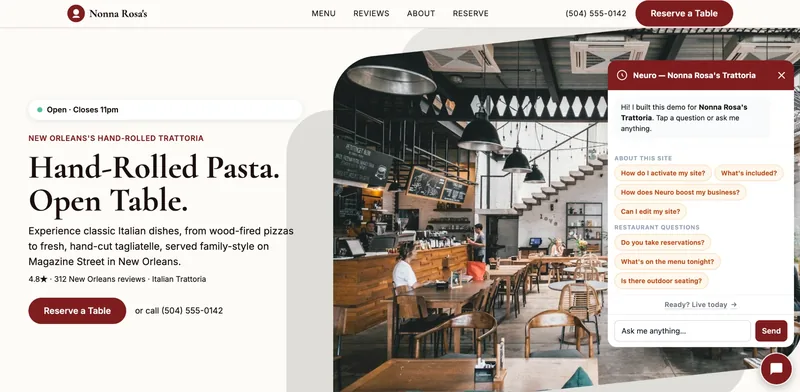
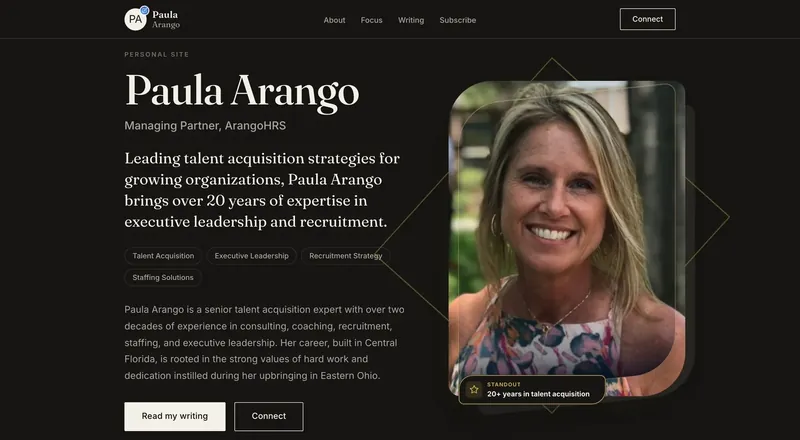
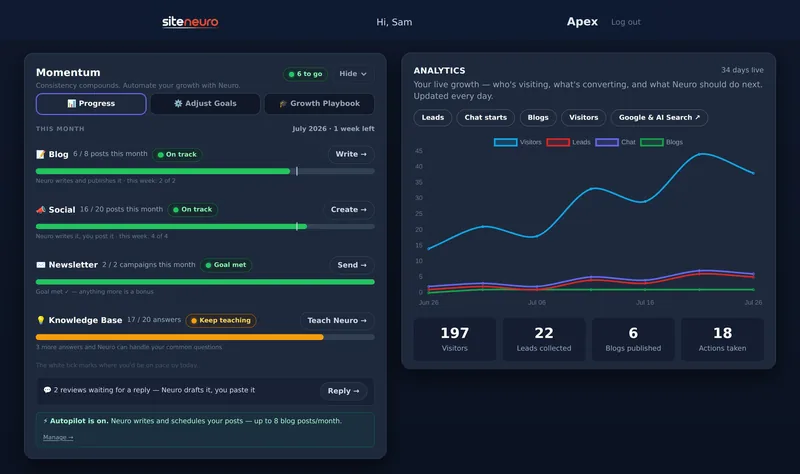
That ongoing, always-on work is what SiteNeuro does. Neuro builds your website and then keeps your presence moving: social posts, blog drafts, review replies and a site assistant that answers customers at any hour, with you approving what goes out.
Use Claude with connectors to run your day. Let Neuro keep you visible while you do.
Straight answers
What are Claude connectors?
Are Claude connectors free?
Is it safe to connect Claude to my email?
Which Claude connectors should a small business start with?
Can Claude connectors send emails or post for me?
Ready to put this to work?
Pick how much help you want. Both start with a free look at your site.
Apex Concierge $119/mo
Your website, plus a growth team every week.
- Your site in your inbox within 2 hours
- 30-minute setup call with a specialist
- Answers visitors, captures leads
- Drafts blog, social and newsletter
Essential $39/year
Just the website, done properly.
- Built from your Google or LinkedIn
- Set up for Google and AI search
- Hosting and security included
- Unlimited edits, no extra cost
Rated Excellent on TrustpilotGlobal review platform · 300M+ reviews