AI Tools
The Best AI Chatbot for a Small Business Website (and When You Don't Need One)
A good chatbot answers customers at 10pm with your real prices and hours. Here's how to choose one, and when a clear FAQ is enough.
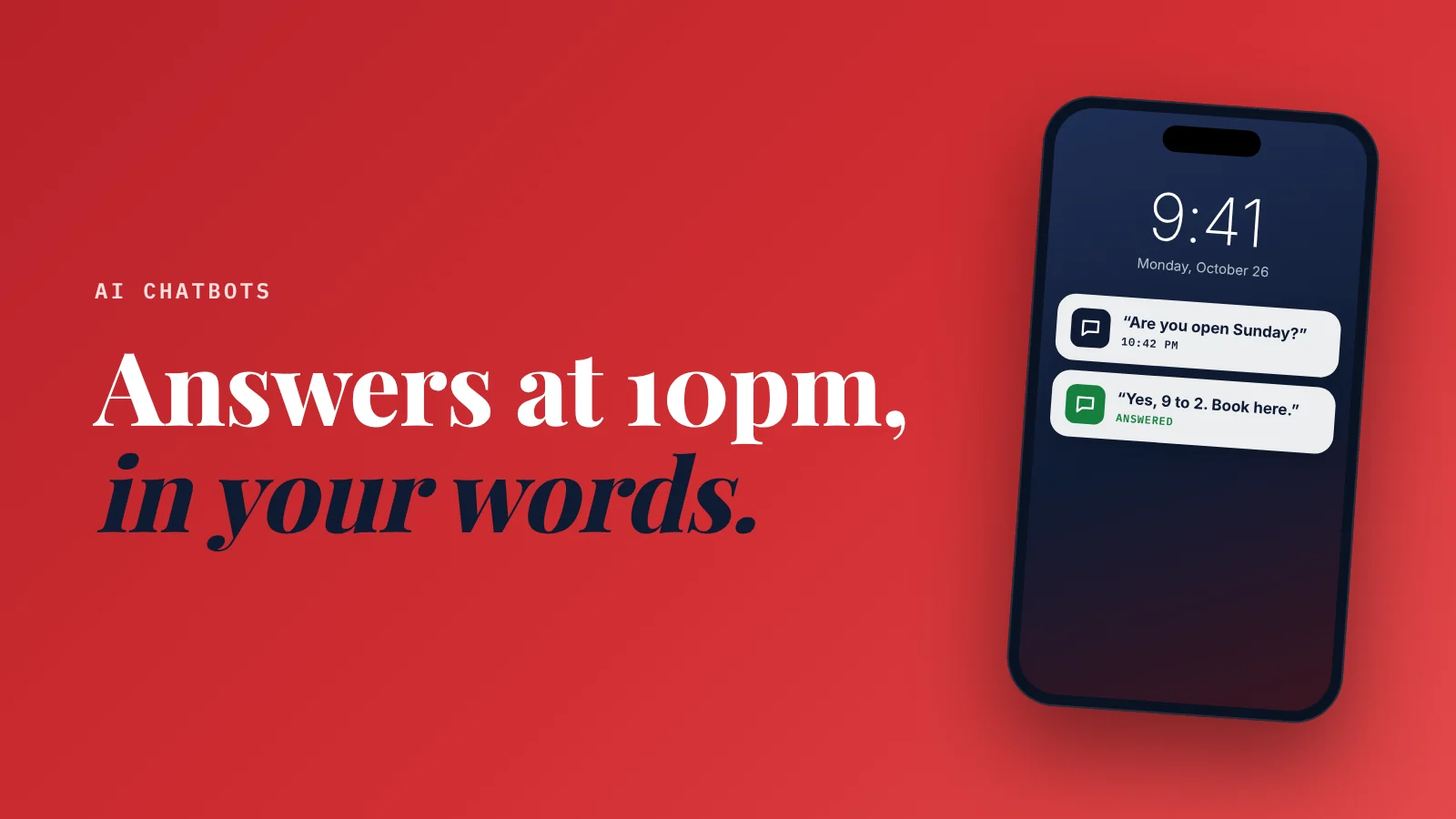
What's the best AI chatbot for a small business website? The one that answers from your own information and hands off to you when it doesn't know.
Your services, prices, hours and policies, at a volume that fits your business.
Which one fits depends on what you need:
- Neuro: the website and assistant in one, for local businesses
- Tidio: shops that also want live chat
- Crisp: teams that answer across channels
- Chatbase: a simple AI that learns from your documents
If you get only a few questions a week, a clear FAQ section beats any chatbot.
It's 10:40pm.
Someone is on your website.
They want to know if you do weekend appointments, whether you cover their area, and roughly what it costs.
Your contact form says "We'll get back to you within 24 hours."
They close the tab and try the next business.
That's the problem an AI chatbot solves.
Not "engagement."
Not a cute robot avatar.
Answering a real customer's question while you're asleep.
But most small businesses buy the wrong one, or buy one they don't need.
Here's how I'd choose.
First: do you even need one?
A chatbot is worth it when people ask you the same questions again and again.
You probably need one if:
- You get several website questions a day.
- Many of them come outside business hours.
- The answers are the same each time (prices, hours, area, availability, how to book).
You probably don't if:
- You get a handful of questions a week.
- Every question needs a custom quote or a site visit.
- You can reply within an hour anyway.
If that's you, spend an hour on a proper FAQ section instead. It's free, Google can read it, and it helps AI assistants describe your business.
What a good AI chatbot actually does
Old chatbots followed scripts: click button A, then button B. Customers hated them.
Modern AI chatbots read your information and answer in plain language. The good ones:
- Answer from your content only. Your services, prices, policies and FAQ. Not made-up answers from the internet.
- Say "I don't know" honestly. And offer to pass the question to you.
- Capture the lead. Name, phone or email, so you can follow up.
- Hand off to a human. By email, or live if you're online.
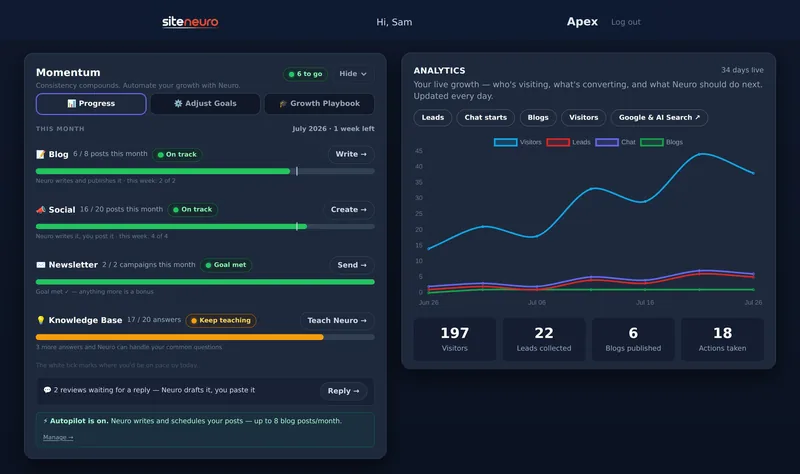
- Show you every conversation. So you can spot questions your website should answer.
A chatbot that makes up an answer is worse than no chatbot.
That's the one test I'd run before paying for anything: ask it a question your information doesn't cover and see whether it admits it.
The options, with real prices
These are the starting prices listed on each vendor's pricing page in October 2026. Check them again before you buy; chatbot pricing changes often and is usually based on how many conversations you use.
Your growth partner
A website is the start. Neuro keeps it working.
- Built from your Google or LinkedIn
- Answers visitors, captures leads
- Drafts blog, social and newsletter
- Nothing goes out until you approve it
Rated Excellent on TrustpilotGlobal review platform · 300M+ reviews
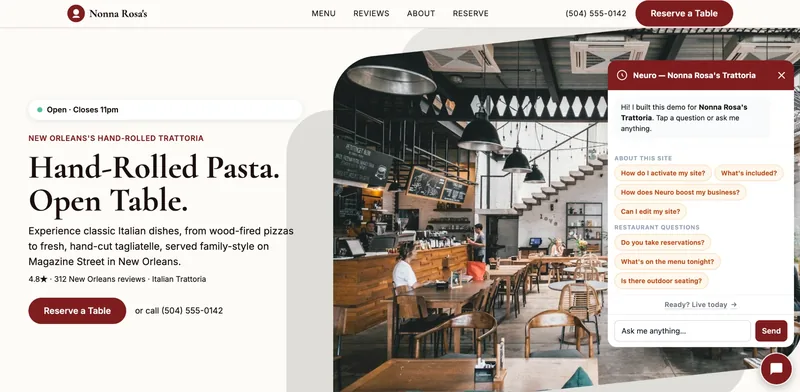
Full disclosure: I'm the founder of SiteNeuro, and Neuro is one of the options below. I've compared it on the same criteria as the others, and I'll say plainly where another tool is the better fit.
Side-by-side
| Neuro (SiteNeuro) | Tidio | Crisp | Chatbase | |
|---|---|---|---|---|
| Free option | Free demo of your site | Free plan, 50 lifetime AI conversations | Free live chat, no AI | 7-day trial |
| AI from | $19/month (Foundations), included | $32.50/month for 50 AI conversations (Lyro) | $95/month (Essentials) | $32/month billed yearly |
| How usage is counted | Plan-based | Per AI conversation | AI credits per conversation | Message credits |
| Setup | Nothing to install: built into your SiteNeuro site | Add a code snippet or plugin | Add a code snippet or plugin | Upload documents, then embed |
| Learns from | Your Google listing, site content and knowledge base (answers + documents like PDFs) | Your FAQs and website | Your help content | Documents and web pages you add |
| Live chat with a human | Captures the lead and passes it to you | Yes | Yes, shared inbox | Check the plan; not its main focus |
| Works on any website | No, SiteNeuro sites only | Yes | Yes | Yes |
| Best for | Local businesses that want the site and assistant in one | Shops wanting live chat + AI | Teams answering across channels | A simple AI answer box |
Neuro (SiteNeuro): the site and the assistant in one
Neuro is the AI assistant built into SiteNeuro websites. Because it lives inside the site, it already knows the business's services, reviews, area and hours from day one.
- Built-in knowledge base: Neuro suggests the questions customers in your field actually ask, you answer them in your own words, and it uses the answer from the very next conversation. Add documents such as PDFs to make it smarter straight away.
- Doesn't guess: it only states facts it has been given, and takes the visitor's details when it doesn't know.
- Price: included from the Foundations plan at $19 a month, alongside blog writing.
Good for: local businesses that want one system for the website and the assistant.
Watch: it only runs on SiteNeuro sites. If you love your current website, pick one of the tools below.
Tidio: live chat plus an AI agent
Popular with online shops and service businesses that want live chat and AI in one place.
- Free plan: 50 conversations, and your first 50 AI conversations are free (lifetime).
- Starter: $24.17/month for 100 conversations.
- Lyro AI agent: sold on its own or as an add-on, from $32.50/month for 50 AI conversations, up to 1,000 a month.
Good for: owners who want to jump in live when they're online and let AI cover the rest.
Watch: the AI is priced separately from the chat plan, so add both together when comparing.
Crisp: one inbox for every channel
Brings website chat, email and messaging into one shared inbox.
- Free plan: live chat, no AI credits.
- Essentials: $95/month, the lowest plan listing an AI chatbot, with about 450 automated conversations included.
- Plus: $295/month, with an AI agent that can connect to other tools.
Good for: small teams answering customers across several channels.
Watch: the AI starts at a higher price than the others.
Chatbase: a simple AI trained on your documents
Upload your documents or point it at your website, and it builds an assistant that answers from them.
- No free plan (7-day trial).
- Hobby: $32/month billed yearly, 700 message credits.
- Standard: $120/month billed yearly, 4,000 message credits.
Good for: owners who want an AI answer box without a full support system.
Watch: credits are counted per message, so a busy month uses them faster.
How to set one up in an afternoon
Whichever tool you pick, the setup is the same.
1. Write your answers first.
Make a simple document with:
- What you do and don't do
- Your service area
- Prices or price ranges
- Hours, booking and cancellation policy
- Your 10 most common questions, answered in your own words
This document matters more than the tool. A chatbot is only as good as what you teach it. (More on this in why 15 minutes on your FAQ pays off.)
2. Connect it and test it like a customer.
Ask it 20 real questions, including:
- Ones you know the answer to
- Ones that aren't in your document
- A rude one
- A price question for something you don't offer
3. Set the hand-off.
Decide where unanswered questions go: your email, your phone, or a "we'll call you back" form.
4. Read the conversations every week for a month.
Every question it couldn't answer is a gap in your website. Add the answer to both.
If you also want the AI to work inside your other apps (email, calendar, files), that's a different job: see which Claude connectors to turn on first. And for the full toolkit by job, here are the AI tools a small business owner actually needs.
What I'd avoid
- Chatbots that pop up instantly with "Hi! 👋 How can I help?" on every page. Let people read first.
- Bots with no hand-off to a human. Customers get trapped and angry.
- Pricing you can't predict. Know what happens when you go over your conversation limit.
- Promises of "fully automated sales." A chatbot answers questions. You still close the deal.
Straight answers
What is the best AI chatbot for a small business?
How much does an AI chatbot cost for a small business?
Is there a free AI chatbot for websites?
Will an AI chatbot give customers wrong answers?
Do chatbots help SEO?
Ready to put this to work?
Pick how much help you want. Both start with a free look at your site.
Apex Concierge $119/mo
Your website, plus a growth team every week.
- Your site in your inbox within 2 hours
- 30-minute setup call with a specialist
- Answers visitors, captures leads
- Drafts blog, social and newsletter
Essential $39/year
Just the website, done properly.
- Built from your Google or LinkedIn
- Set up for Google and AI search
- Hosting and security included
- Unlimited edits, no extra cost
Rated Excellent on TrustpilotGlobal review platform · 300M+ reviews