AI Tools
AI Agents for Small Business: What They Are and What They Can Actually Do
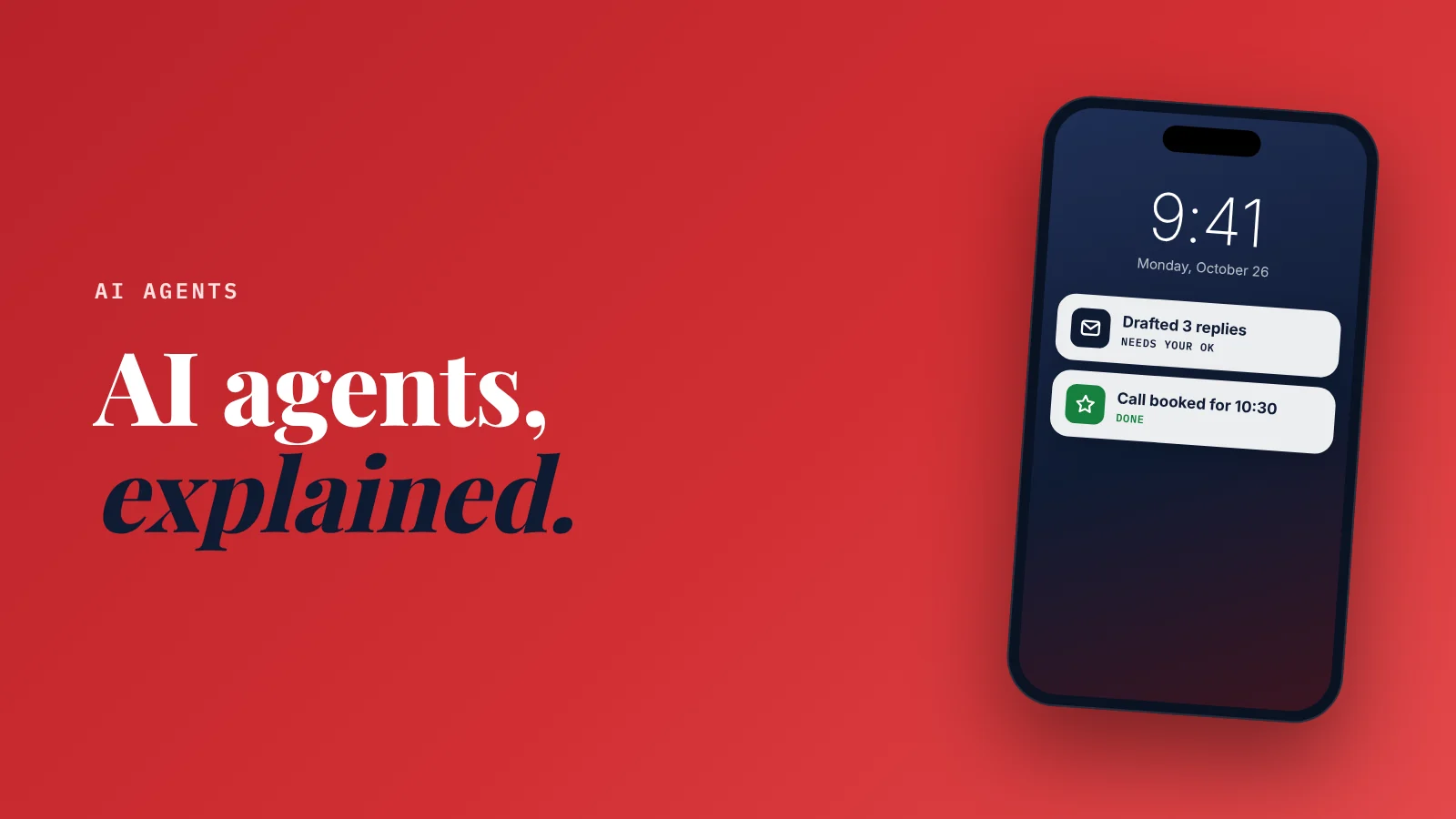
What is an AI agent for a small business? An AI agent is AI that doesn't just answer, it acts: it takes a goal, works through several steps, and uses your tools (email, calendar, files, accounting) to get it done, with your permission.
Good first jobs are answering website visitors, sorting your inbox, drafting quotes and follow-ups, and tidying your books.
Start with one job and keep a human approving anything that goes to customers.
"AI agents" is the phrase of the year.
Every software company now says it has one.
And most explanations sound like this: "Autonomous multi-step reasoning systems leveraging tool use."
Which is not helpful when you run a bakery.
I'm the founder of SiteNeuro.
I'm not a developer: my background is engineering, design and business, and we built SiteNeuro by working with AI agents every day.
So here's the plain-English version, with what's real today and what's still hype.
Chatbot vs. agent: the one difference that matters
A chatbot answers. An agent acts.
Ask a chatbot "Who hasn't paid me this month?" and it says: "I don't have access to your invoices."
Ask an agent the same thing and it:
- Opens your accounting software
- Finds the overdue invoices
- Lists the customers and amounts
- Drafts a polite reminder for each
- Waits for you to approve before sending
Same question. One gives you advice. The other does the work, with you in charge.
A chatbot is a smart person you can ask. An agent is a smart person who can also use your computer, if you let them.
How an agent actually works
Every agent does the same four things, in a loop:
- Understands the goal. "Find unpaid invoices and draft reminders."
- Plans the steps. Open accounting, filter by overdue, write emails.
- Uses tools. It connects to your apps through doorways those apps provide (called APIs), often using a standard called MCP that lets AI assistants plug into many apps the same way.
- Checks the result and either finishes or tries the next step.
You don't need to understand the plumbing. You need to understand what it can reach, because that's what it can change.
In Claude, those doorways are called connectors. Here's which Claude connectors to turn on first.
6 jobs agents can do for a small business today
1. Answer website visitors and capture leads
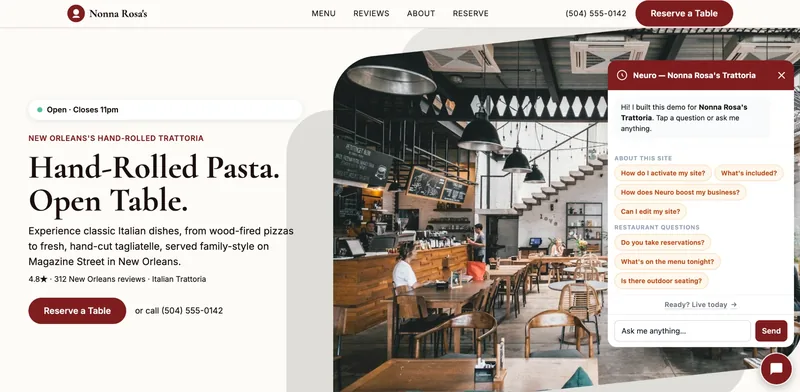
A visitor asks about prices at 11pm. The agent answers from your information, asks for their name and number, and passes the lead to you.
This is the most proven job, because the risk is low: it answers questions and collects contacts, it doesn't spend money.
2. Sort your inbox
Read new emails, label the urgent ones, draft replies to the routine ones, and give you a summary each morning.
3. Draft quotes and follow-ups
Find the customer's request, pull your price list, draft a quote in your usual format, and remind you to follow up in five days.
4. Tidy your books
Accounting software now includes AI that categorizes transactions, matches bank lines and flags anything unusual. QuickBooks, for example, now lists a feature that learns and handles routine bookkeeping tasks for you. You still review it monthly.
5. Keep your marketing going
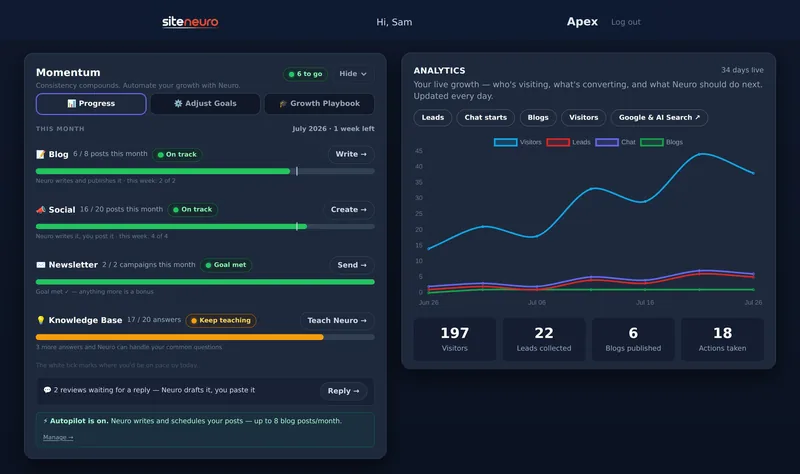
Draft social posts from your recent work and reviews, write a monthly email, suggest a blog topic. You approve before anything is published.
6. Build small tools for you
This is where it gets surprising. AI coding agents like Claude Code can build a quote calculator, a booking form or an internal checklist app from plain-English instructions.
That's how we built SiteNeuro: about 175 working days, 1,156 changes merged into a live product, with Claude writing the code and us writing the specs. The method is called spec-driven development, and I explain it in vibe coding vs spec-driven development.
What agents get wrong (read this part)
Agents are powerful. They also make mistakes, and an agent's mistake is an action, not just a wrong sentence.
Your growth partner
A website is the start. Neuro keeps it working.
- Built from your Google or LinkedIn
- Answers visitors, captures leads
- Drafts blog, social and newsletter
- Nothing goes out until you approve it
Rated Excellent on TrustpilotGlobal review platform · 300M+ reviews
- They misread instructions. "Email the customers who owe money" can become "email all customers."
- They act on bad information. If your price list is out of date, so is every quote.
- They're confidently wrong. An agent will report "done" when a step quietly failed.
- They can reach more than you meant. Full access to your email means full access to all of it.
So the rules matter more than the tool.
5 rules for using an agent safely
- Start with one job. Not "run my business." One repeatable task you understand well.
- Read-only first. Let it look before you let it send, delete or pay.
- Approve anything customer-facing. Emails, posts, quotes and replies wait for your OK, at least for the first month.
- Give it clean information. Current prices, hours and policies in one document it can read.
- Check its work weekly. Skim what it did. Every mistake you catch becomes a rule you add to its instructions.
Treat a new agent like a new employee: clear instructions, limited access, and you check their work until you trust it.
Agent, chatbot or automation: which do you need?
| You want to... | Use | Why |
|---|---|---|
| Ask questions and get drafts | A chatbot (ChatGPT, Claude, Gemini) | Cheapest, lowest risk |
| Move data between two apps the same way every time | A simple automation | Predictable; no AI judgment needed |
| Handle a task that needs judgment and several apps | An agent | Reads, decides and acts, with your approval |
| Answer website visitors 24/7 | A website AI assistant | One focused agent job with low risk |
If you're new to all of this, start with a chatbot and good prompts. Here are 25 ChatGPT prompts for small business owners to try first.
Where SiteNeuro fits
Full disclosure: I'm the founder of SiteNeuro, so weigh my view accordingly.
We built SiteNeuro around focused, low-risk agent jobs for local businesses: Neuro builds your website from your Google listing, answers visitors from your knowledge base and captures leads, and on the growth plans drafts blog posts, social posts and review replies that you approve. It's one option. You can assemble the same jobs from separate tools if you prefer.
Straight answers
What is an AI agent in simple terms?
What's the difference between a chatbot and an AI agent?
What can AI agents do for a small business?
Are AI agents safe for a small business?
Do I need technical skills to use an AI agent?
Ready to put this to work?
Pick how much help you want. Both start with a free look at your site.
Apex Concierge $119/mo
Your website, plus a growth team every week.
- Your site in your inbox within 2 hours
- 30-minute setup call with a specialist
- Answers visitors, captures leads
- Drafts blog, social and newsletter
Essential $39/year
Just the website, done properly.
- Built from your Google or LinkedIn
- Set up for Google and AI search
- Hosting and security included
- Unlimited edits, no extra cost
Rated Excellent on TrustpilotGlobal review platform · 300M+ reviews