AI Tools
The Website Threats to Expect Next, and What to Do (Lessons From PHP2Shell)
AI is speeding up both sides of website security. What October 2026 showed, and the simple habits that keep a website safe.
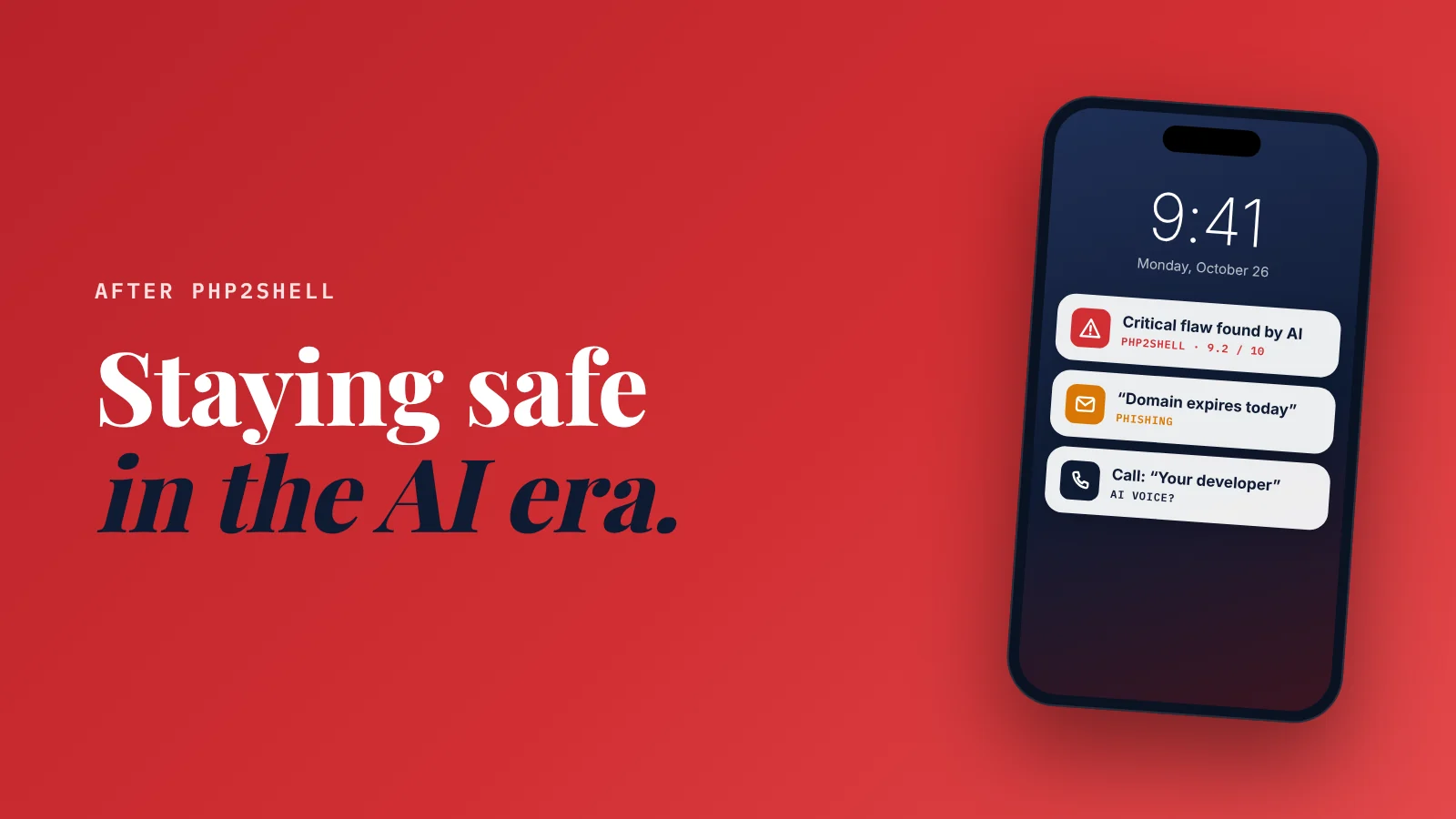
What website threats should a small business expect next? Faster and more convincing attacks, because AI helps attackers as much as it helps defenders.
Six threats stand out.
And one short list of habits covers all of them.
Here's the thing.
Most small business owners think of website security as a once-in-a-while problem.
October 2026 changed that.
In one month:
- A critical flaw hit the language under most WordPress sites.
- A cloud hosting platform asked every customer to replace every secret key.
- Attackers slipped credential-stealing code into a popular open-source AI library.
None of these were aimed at small businesses.
All of them reached small businesses anyway.
So this guide does two things.
First, the 2-minute version of PHP2Shell, with the quick check if your site runs on WordPress.
Then the part that lasts: the six threats to expect next, and the habits that cover all of them.
The wake-up call: PHP2Shell in 2 minutes
PHP is the engine underneath most WordPress, Joomla and Drupal sites.
According to W3Techs, about 7 in 10 websites whose server language is known run on it.
On October 21, 2026, PHP released fixes for two critical flaws, nicknamed PHP2Shell (CVE-2026-109618 and CVE-2026-109619).
PHP's own team rated them 9.2 out of 10.
A crafted web request could let an attacker run commands on the server, with no login.
Two details make it a turning point:
- AI found it. According to CNN and The Wall Street Journal, a researcher at the security firm Calif found one of the bugs by pointing an OpenAI model at PHP's source code. Researchers at Wiz found both, with AI as well. Code read by thousands of people for years, and AI found what they missed.
- Attackers were early. Amazon says it saw an attempt to exploit it four days before it was public.
The quick check, if your site runs on WordPress
Updating WordPress won't fix this one. The flaw is in PHP, so your host has to patch it.
- Find your PHP version: Tools → Site Health → Info → Server. (On cPanel: Select PHP Version.)
- Compare it: the fixed versions are 8.5.12, 8.4.27, 8.3.36 and 8.2.35 or later. Some hosts patch without changing the number, so step 3 is the real answer.
- Send your host this message:
Hi, my site is [your web address]. Has PHP on my server been patched for PHP2Shell (CVE-2026-109618 and CVE-2026-109619)? My site shows PHP version [your version]. If not, when will it be?
- On PHP 8.1 or older? Those versions got no official fix. Ask your host to move you to PHP 8.3 or newer, and back up first.
Using Wix, Squarespace or Shopify? You don't manage server software there. The platform does. (How the hosted builders compare: Wix vs Squarespace vs Durable vs SiteNeuro.)
Full disclosure: I'm the founder of SiteNeuro, so weigh my view accordingly. SiteNeuro sites are static pages with no PHP on the server, so this flaw doesn't apply to them. That's one design choice among many, not a reason to switch platforms in a panic.
Now the part that matters after PHP2Shell is forgotten.
The 6 threats to expect next
AI helps defenders find flaws faster.
It helps attackers just as much.
For a small business, that shows up in six ways.
1. Attacks start sooner after a flaw is announced
Rapid7's 2026 threat report found the median time from a flaw being published to it being confirmed as exploited fell from 8.5 days to 5.
PHP2Shell went further: attempts before the fix was even public.
What it means for you: "I'll update next month" is now a real risk. Critical updates are a this-week job, and automatic updates are your friend.
2. Plugins and themes stay the biggest weak point
On WordPress, the core software is rarely the problem.
Patchstack counted more than 11,000 new WordPress vulnerabilities in 2025, and the large majority were in plugins, not WordPress itself.
AI makes those holes faster to find, for researchers and attackers alike.
What it means for you: every plugin is a door. Delete the ones you don't use, and keep the rest on automatic updates.
3. Phishing that reads like a real email
The tell-tale typos are gone.
AI writes fluent, personal emails in seconds, in any language.
Expect convincing messages that look like they come from your domain company ("your domain expires today"), Google ("your Business Profile is suspended"), your host, or a supplier with "an updated invoice".
What it means for you: never log in from a link in an email. Open the site yourself, from a bookmark or by typing the address.
4. Voices and messages that sound like someone you trust
The FBI has warned that criminals now use AI-generated voice messages and texts to impersonate people their targets trust.
A call that sounds exactly like your web developer asking for the hosting password, or your bookkeeper asking for an urgent transfer, is now cheap to fake.
What it means for you: agree one rule with your team. Any request for a password, a login code or money gets a call back on a number you already have.
5. The services you rely on get breached
This is the one most owners never think about.
In the same week as PHP2Shell, a cloud hosting platform used by developers paused new builds in every region and asked every customer to replace every secret key, after attackers may have read customer settings.
The same month, an AI developer tool said keys its users had linked may have been exposed, and a popular open-source AI library shipped a release that stole credentials from the computers that installed it.
You didn't do anything wrong in any of these cases.
But if your website, booking system or online store runs on a breached service, you're the one who has to change the passwords and keys, and your site may be down until they recover.
What it means for you:
- Keep a list of the services your business depends on: website, domain, email, hosting, payments, booking.
- Keep every password and key in a password manager, so replacing them takes an hour, not a weekend.
- Know where each service posts its status updates, and who to call if your site goes down.
6. Old software nobody updates
PHP 8.1 and older got no official fix for PHP2Shell.
The same happens with old plugins, themes and website builders whose makers have moved on.
Software that no longer gets updates doesn't get safer with time; it gets more exposed.
What it means for you: once a year, ask "is anything on my website past its end of life?" and plan the upgrade before a crisis forces it.
The habits that protect you from all six
We built SiteNeuro by working with AI, and the lesson that transfers to every business is speed.
Your growth partner
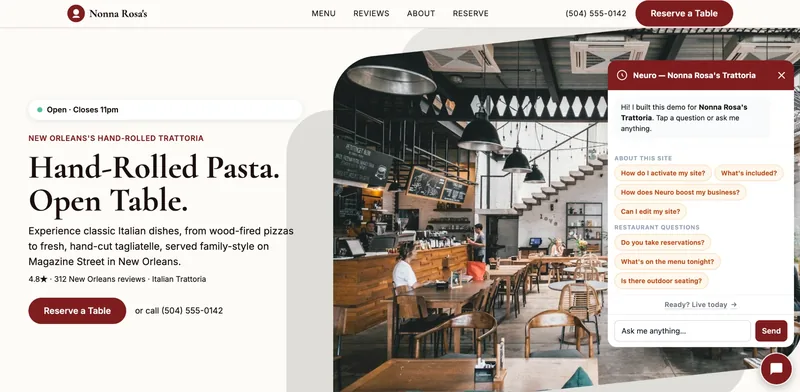
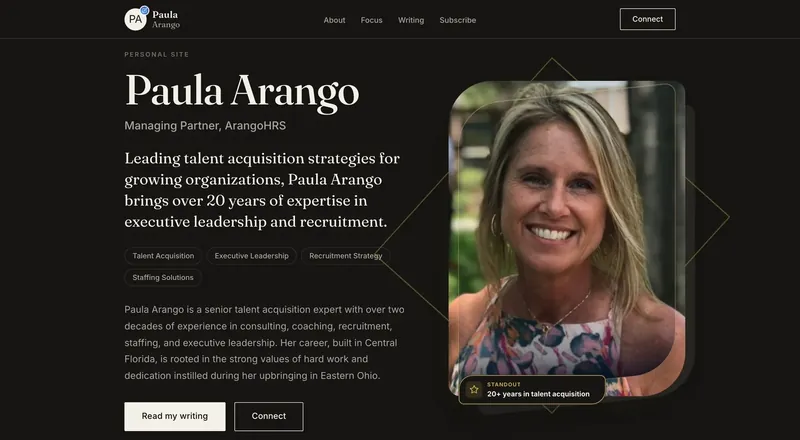
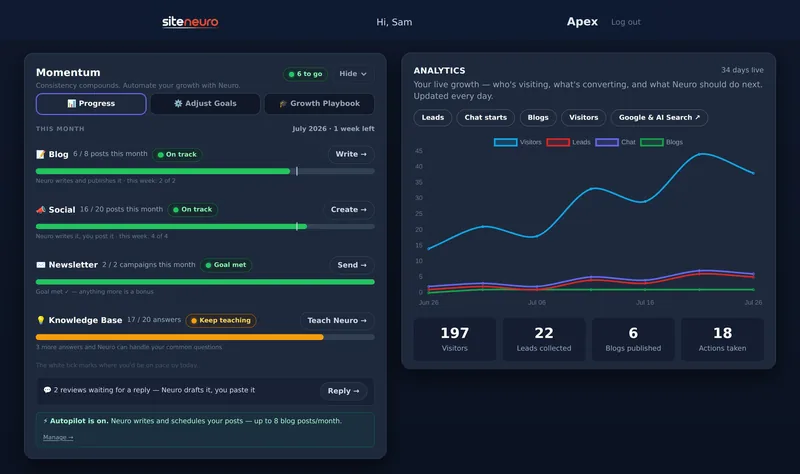
A website is the start. Neuro keeps it working.
- Built from your Google or LinkedIn
- Answers visitors, captures leads
- Drafts blog, social and newsletter
- Nothing goes out until you approve it
Rated Excellent on TrustpilotGlobal review platform · 300M+ reviews
You don't need to become a security expert.
You need seven habits:
- Know what your website runs on. One sentence is enough: "WordPress on [host], PHP [version]."
- Know who patches it. You, your developer or your host. Write the name down.
- Turn on automatic updates wherever you can.
- Keep fewer moving parts. Every plugin, app and integration you don't use is one less door.
- Turn on two-step login for the accounts that control your business online: email, domain, hosting, payments and your Google Business Profile (the Google Business Profile checklist covers the rest of that account).
- Use a password manager, with a different password for every account, so a breach somewhere else can't open your doors, and you can replace keys fast.
- Keep a backup you can restore, stored somewhere other than your website's own server. Test it once.
Your 30-minute security check, once a month
Put it in your calendar. First Monday of the month works.
| Minutes | Check |
|---|---|
| 5 | Updates: anything waiting on your website, plugins or apps? Install it. |
| 5 | Plugins and apps: anything you haven't used in a month? Remove it. |
| 5 | Admin accounts: anyone who shouldn't still have access? Remove them. |
| 5 | Two-step login: still on for email, domain, hosting and payments? |
| 5 | Backup: is the latest one recent, and stored off your server? |
| 5 | News: any breach at a service you use? Change that password or key. |
That's it.
Thirty minutes a month covers most of what goes wrong for small business websites.
Let AI help you (the safe way)
You don't need to understand servers to do any of this.
A general AI assistant (ChatGPT, Claude or Gemini) can walk you through it. (Which assistant, and which other AI tools are worth paying for: the AI tools a small business actually needs.)
1. Check a suspicious email.
Here is an email I received: [paste the text, without clicking any link]. Does it look like phishing? What signs do you see, and what should I do instead of clicking?
2. Make your security list.
I run a [type of business]. Help me list every online service my business depends on (website, domain, email, payments, booking, social accounts) and, for each one, whether two-step login is on and where to check its status if it goes down. Ask me questions one at a time.
3. Understand an update or a breach notice.
My [host / platform] sent me this message: [paste]. Explain it in plain words. Am I affected? What exactly do I need to do, and by when?
One rule:
Never paste passwords, login codes or customer data into a chat.
The good news: AI is on your side too.
The same tools that found PHP2Shell can explain a breach notice, check a suspicious email and walk you through two-step login, in plain words, in five minutes.
Use them.
Straight answers
What website security threats should small businesses expect?
What is PHP2Shell?
Does updating WordPress fix PHP2Shell?
How is AI changing website security?
What should I do if a service I use is breached?
How often should a small business check its website security?
Ready to put this to work?
Pick how much help you want. Both start with a free look at your site.
Apex Concierge $119/mo
Your website, plus a growth team every week.
- Your site in your inbox within 2 hours
- 30-minute setup call with a specialist
- Answers visitors, captures leads
- Drafts blog, social and newsletter
Essential $39/year
Just the website, done properly.
- Built from your Google or LinkedIn
- Set up for Google and AI search
- Hosting and security included
- Unlimited edits, no extra cost
Rated Excellent on TrustpilotGlobal review platform · 300M+ reviews