Getting Found
How to Show Up on Google When Customers Search Your Business
Someone searches your business name right now.
What shows up?
If it's a thin listing, a competitor above you, or nothing at all — this post fixes that.
Here's how to show up on Google search: a complete Google Business Profile, the right category, real reviews coming in steadily, consistent info everywhere online, and a website that closes the deal once someone clicks.
Let's go through each piece.
How Google actually decides who to show first
Google isn't guessing.
It's running a formula.
Three things matter most:
- Relevance — does your listing match what the person typed?
- Distance — how close are you to the person searching?
- Prominence — how well-known and well-reviewed are you, online and off?
You can't move a customer closer to your shop.
But you can absolutely control the other two.
Relevance comes from your category, your services, and the words you use to describe your business.
Prominence comes from reviews, mentions, links, and a website that backs up everything your listing claims.
Most businesses lose on relevance and prominence — not distance. That's the good news. Those are fixable today.
Map pack vs. organic results — and why it matters
Search your own trade and city right now.
You'll see two different things stacked on the page.
- The map pack — three business listings with a little map, pins, ratings, and hours.
- Organic results — the regular blue-link websites below it.
Here's the part most owners miss.
These are two separate competitions, and you can win one, both, or neither.
The map pack pulls from your Google Business Profile.
Organic results pull from your actual website.
Almost nobody scrolls past the map pack and the first organic result.
That's why showing up in just one of the two still loses you half the customers searching for you. You want both — a strong profile and a strong site behind it.
Fix your Google Business Profile first
Your Google Business Profile (GBP) is free, and it's the single highest-leverage thing you can fix this week.
Your growth partner
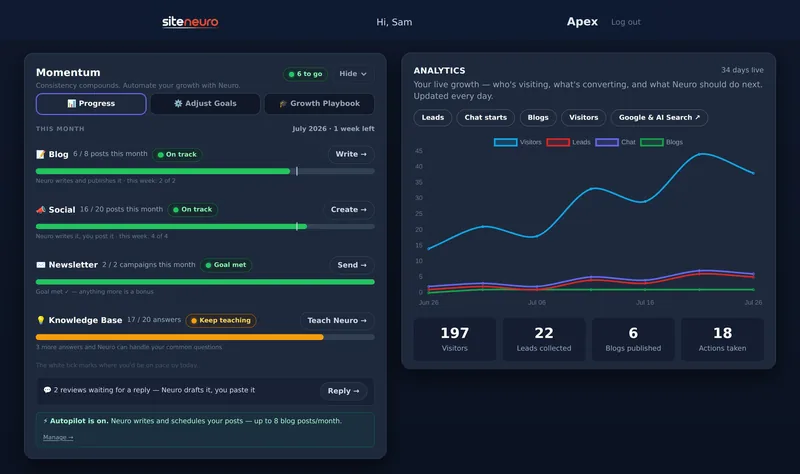
A website is the start. Neuro keeps it working.
- Built from your Google or LinkedIn
- Answers visitors, captures leads
- Drafts blog, social and newsletter
- Nothing goes out until you approve it
Rated Excellent on TrustpilotGlobal review platform · 300M+ reviews
Here's the checklist, in order.
1. Claim and verify it
If you haven't claimed your listing, do that first.
Nothing else on this list works until you own the profile.
Go to google.com/business, search your business name, and follow the verification steps. It usually takes a few days by mail, phone, or email, depending on your category.
2. Pick the right primary category
This is the single biggest relevance signal you have.
Google matches searches to categories more than it matches searches to your business description.
- Don't pick something broad and generic if a specific category exists.
- Don't pick more than one category that competes for attention — pick the one your customers would actually call you.
- Add secondary categories for real services you also offer.
A "Plumber" search shouldn't land on a business listed only as "Contractor." Be specific, or don't be found.
3. Fill in services using real customer language
Most owners write services the way they think about their business.
Customers search the way they think about their problem.
Write your services list using the exact words a customer would type — "emergency drain cleaning," not just "plumbing services." "Same-day teeth cleaning," not just "dental care."
This is exactly why dentists and plumbers who rank well treat their service list like a keyword list — because that's precisely what Google is reading it as.
4. Add real photos — regularly
A profile with a handful of stock-feeling photos looks abandoned.
A profile with real photos of your storefront, your team, your work, and your space looks active — and active profiles rank better.
- Add new photos every few weeks, not once and never again.
- Photograph the actual work, not just the building.
- Skip anything that looks staged or generic.
5. Get reviews flowing — steadily, not in a burst
Reviews are a prominence signal, and Google can tell the difference between real, steady reviews and a pile of five you asked for on the same afternoon.
- Ask every satisfied customer, every time — make it part of the job, not an afterthought.
- Respond to every review, good or bad. It signals you're paying attention.
- Never buy reviews or incentivize them with discounts — it violates Google's policy and it's easy to spot.
A business earning a few honest reviews a month, consistently, beats one that got fifty in a week and then nothing.
6. Keep your name, address, and phone (NAP) consistent everywhere
Google cross-checks your business info against directories, social profiles, and other sites that mention you.
If your address is written one way on your website and a different way on Yelp, that's a small trust hit — and it adds up across dozens of directories.
- Use the exact same business name, address format, and phone number everywhere you're listed.
- Fix old directory listings from a previous address or phone number.
- Keep your hours updated — especially around holidays.
Why a website still matters, even with a perfect profile
Here's the question worth sitting with: if your Google Business Profile is complete, do you even need a website?
Yes — and here's the honest reason why.
Your Google Business Profile is a listing you don't fully control. Google can change the layout, add competitor ads next to it, or bury a section you rely on. It's real estate you rent, not property you own.
Your website is different.
It's the one place a customer lands where the only choice in front of them is you.
The profile gets someone to click.
The website is what makes them believe you, understand what you actually offer, and take the next step — call, book, or message. This is the same pattern behind why customers can't find you online even when their listing looks fine — the click happens, and then there's nothing worth staying for.
A profile without a website is a dead end with good directions to it.
A website without a profile is invisible to local search.
You need both, working together.
What a website needs to actually close the deal
Once someone clicks through from your profile, your website has seconds to earn the rest of their trust.
- Your services, named clearly — not buried in a paragraph, not vague.
- Real reviews, visible — not just a star rating, the actual words customers used.
- A clear next step — call, book, or message, easy to find on a phone screen.
- Proof you're active — recent photos, recent posts, current hours.
- Fast loading — a slow site loses the exact customer who was ready to act.
This is the same logic behind how plumbers get more customers from the same search traffic their competitors are also getting — the site does the closing that the listing can't.
Building and keeping that up yourself takes real time.
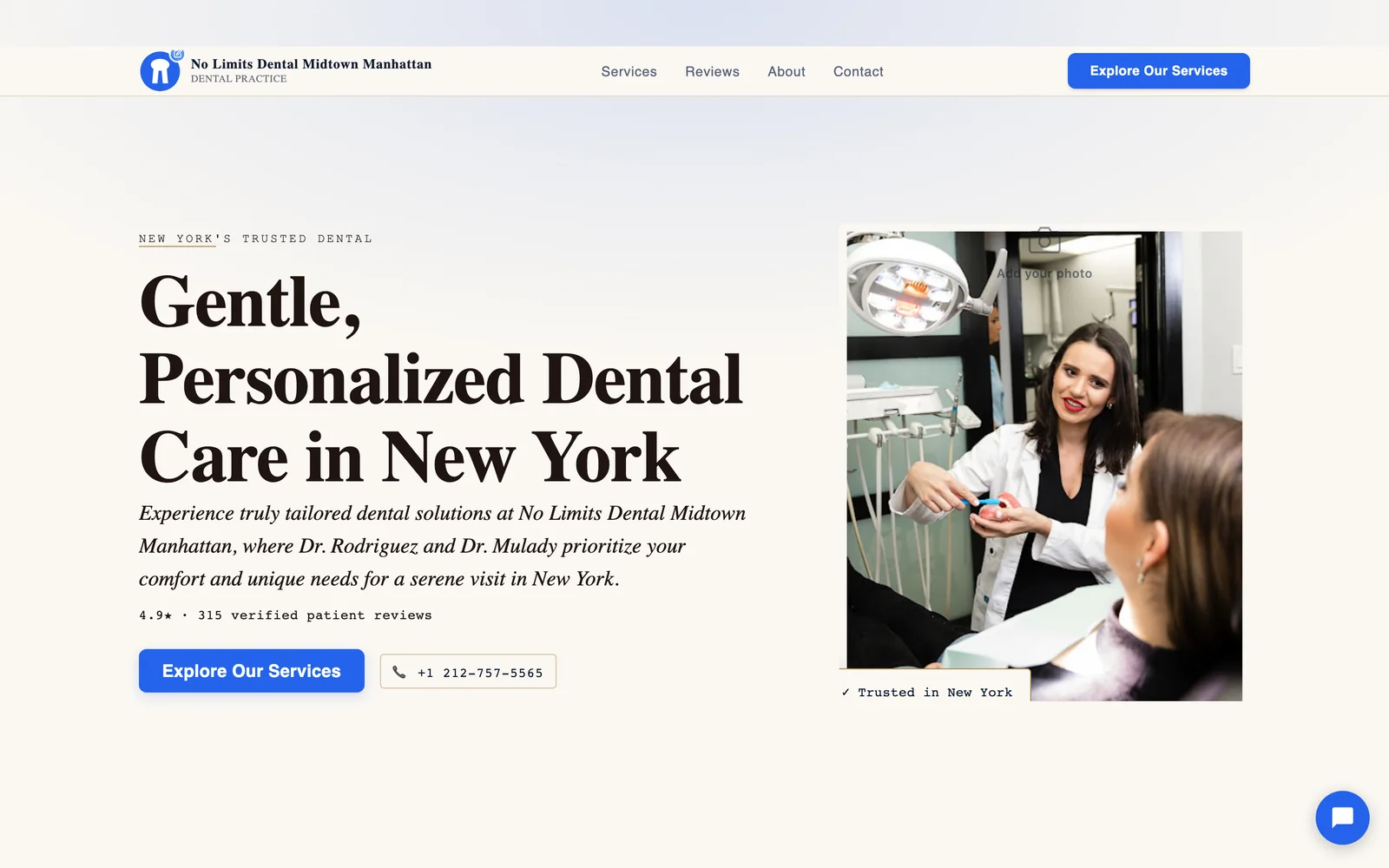
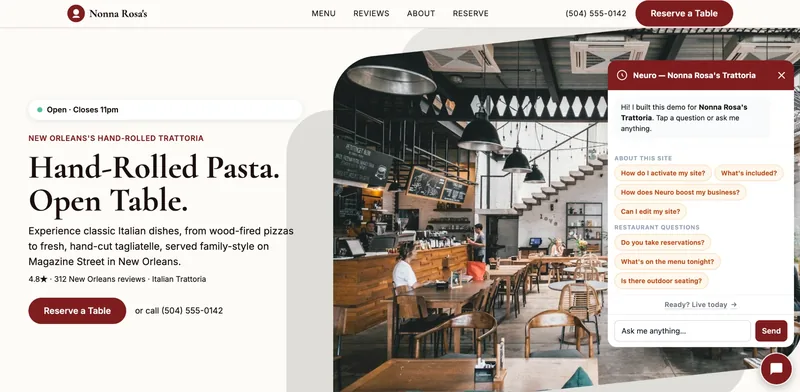
If you'd rather skip the DIY build, Neuro is one option that puts together a complete, review-backed site for you in minutes — but a well-built site from any source does the same job.
Your action list for this week
Don't try to do all of this in one sitting. Work through it in order.
- Claim and verify your Google Business Profile.
- Set the right primary category.
- Rewrite your services using the words your customers search.
- Upload real, recent photos.
- Start asking every customer for a review.
- Check your name, address, and phone match everywhere you're listed.
- Make sure your website backs up everything your profile promises.
Do this, and you stop losing the customers who are already typing your name — or your service — into Google.
Straight answers
How long does it take to show up on Google after fixing my profile?
Do I need a website if my Google Business Profile is already good?
How many reviews do I need to rank well?
Can I pick more than one category for my Google Business Profile?
What's the difference between local SEO and regular SEO?
Is it worth paying someone to manage my Google Business Profile?
Ready to put this to work?
Pick how much help you want. Both start with a free look at your site.
Essential $39/year
Just the website, done properly.
- Built from your Google or LinkedIn
- Set up for Google and AI search
- Hosting and security included
- Unlimited edits, no extra cost
Apex Concierge $119/mo
Your website, plus a growth team every week.
- Your site in your inbox within 2 hours
- 30-minute setup call with a specialist
- Answers visitors, captures leads
- Drafts blog, social and newsletter
Rated Excellent on TrustpilotGlobal review platform · 300M+ reviews