Build With AI
How to Write Prompts for Claude Code: The Task Brief Template I Use
Most Claude Code mistakes start before Claude writes a line. Six questions to answer first, and the template I copy into every task.
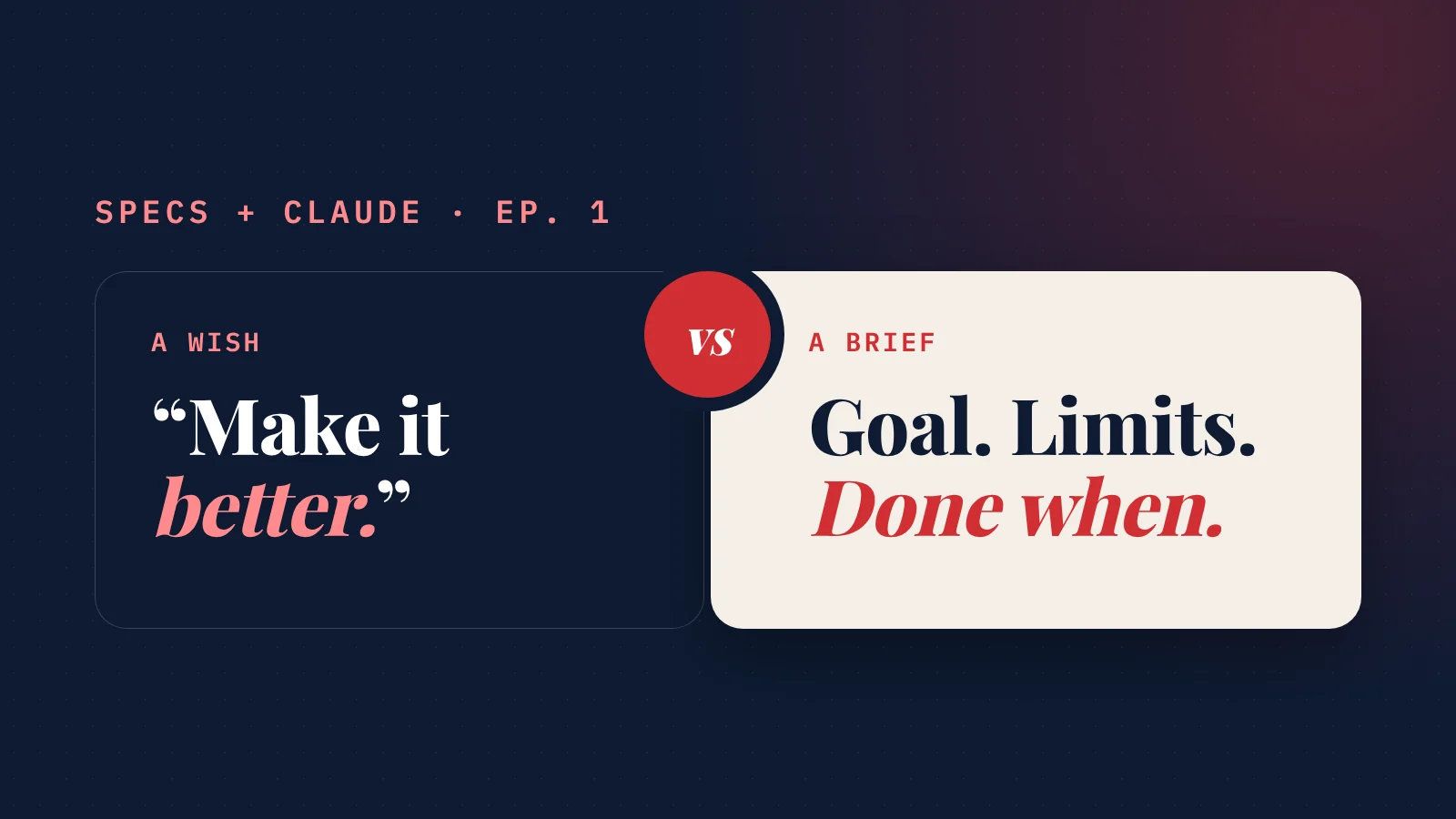
How do you write a good prompt for Claude Code? Write a brief, not a wish.
Six parts: the goal, who it's for, the context, the constraints, what it must never do, and how you'll know it's done.
That's the whole method.
The rest of this post is why it works, a real example, and a template you can copy.
This is episode 1 of Specs + Claude, a weekly series on building real products with Claude when you're not a developer. Every Saturday: one method, one real example, one thing to copy.
The problem: Claude can't read your mind
Claude Code is not a chatbot.
It reads your files, runs commands, changes code and keeps going until the work looks done.
That's the catch: "looks done" is all it has to go on, unless you tell it what done means.
A short request leaves Claude to guess four things:
- what you're really trying to achieve;
- who the result is for;
- which rules it mustn't break;
- when to stop.
Guess wrong on any of them and you get something that works, and isn't what you wanted.
Anthropic's own guidance puts it plainly: "Claude can infer intent, but it can't read your mind." (Claude Code best practices)
I learned this the slow way. Building SiteNeuro took 1,156 merged changes. The ones that went wrong rarely failed because Claude couldn't code. They failed because my request left a gap, and Claude filled it with a reasonable guess that wasn't mine. (How I came to build without a technical co-founder: the founder story.)
The method: brief Claude like a new hire
Imagine handing the task to a capable person on their first day.
They're smart. They don't know your business. They'll do exactly what you ask, as well as they can.
What would they need to hear? Six things.
1. The goal (and why)
One sentence on what you want, and one on why it matters.
The "why" is what lets Claude make good small decisions you didn't think to mention.
2. Who it's for
The person who will use the result, and what they're trying to do.
"For a busy plumber reading on a phone" produces different work than "for an accountant on a desktop".
3. Context
Where the work lives and what already exists.
Point Claude to the files, pages or documents to read first, and an existing example to copy. A pattern to follow beats a paragraph of description.
4. Constraints
The limits: tools, style, budget, deadline, what not to touch.
5. Must never
The things that would make the result a failure even if it works.
This is the part most people skip, and the one that saves the most time. Claude can't avoid a mistake you never named.
6. Done when
The check that proves it's finished: a test that passes, a page that shows the right thing, a number that adds up.
Then ask Claude to run that check and show you the result, not just say it's done.
Anthropic calls this the single biggest lever: "Give Claude a check it can run... It's the difference between a session you watch and one you walk away from."
A real example from building SiteNeuro
This week I asked Claude to redesign the cover images for the SiteNeuro blog.
My first request was close to a wish: make the covers more attractive.
Claude did exactly what I asked. The covers came back polished, and full of bulleted lists and text. Readable on a laptop. Unreadable at a glance in a phone feed.
Claude hadn't failed. My request had. "Attractive" was in my head, and so was everything I didn't want.
So I wrote down what I'd left out:
GOAL: Redesign the blog covers so people click. Right now they look like slides, not invitations.

WHO IT'S FOR: Small business owners scrolling a blog page or a social feed on their phone. They decide in about a second.

CONTEXT: The covers are generated by the cover script from one settings file. Use the brand fonts and colors already in the social images.

CONSTRAINTS: One short hook per cover and one strong visual. Each cover must look different from the one before it.

MUST NEVER: No bulleted lists. No more than 18 words. Nothing that looks like a copy of another cover.

DONE WHEN: Every cover renders at every size, passes the word and list check, and you show me the full set side by side.
The second round landed.
And something better happened: Claude didn't just follow the "must never". It built it into the tool. The cover generator now refuses any cover with a list or more than 18 words, so the rule can't be forgotten next month.
That's the real payoff of a brief: you make the decisions once, up front, instead of discovering them one correction at a time.
The template: copy this
Paste it into Claude Code, fill in the brackets, delete what doesn't apply.
The book
Write the brief. Let Claude build.
Build Your AI Platform teaches non-technical founders to build real products with specs and Claude. Chapter 1 is free.
- 29 chapters, five levels, step by step
- Three complete builds, start to finish
- Templates, checklists and a prompt kit
- Chapter 1 is free to read, in full

GOAL: [What I want, in one sentence.] Why it matters: [one sentence].

WHO IT'S FOR: [The person who will use this, and what they're trying to do.]

CONTEXT: Read [files / pages / docs] first. What already exists: [...].
Follow this example: [an existing file, page or design to copy].

CONSTRAINTS: [Tools, style, budget, deadline. What not to touch.]

MUST NEVER: [The things that make this a failure even if it works.]

DONE WHEN: [The check that proves it's finished.]
Run that check yourself and show me the result.

BEFORE YOU START: Ask me about anything unclear, one question at a time.
Then give me a short plan. Don't change anything until I approve it.
The last line matters more than it looks. It turns Claude from a fast guesser into a careful one, and it's where episode 2 picks up: planning before you build.
When a short prompt is fine
Not every task needs six parts.
Anthropic's rule of thumb: "If you could describe the diff in one sentence, skip the plan." Fixing a typo, renaming a button, adding a line of text: just ask.
Use the full brief when:
- the task touches more than one file or page;
- you're not sure how it should work;
- a mistake would cost money, customers or a weekend.
New to working this way? Start with vibe coding vs spec-driven development: a brief is a one-task spec.
And when you're genuinely exploring, a vague question can be the right one. "What would you improve on this page?" surfaces ideas you wouldn't have thought to ask about.
New tool spotlight: /goal turns "done when" into a referee
Claude Code now has a `/goal` command.
You give it a condition, like your "done when" line. A separate evaluator re-checks it after every turn, and Claude keeps working until the condition is met.
In other words, the last part of your brief stops being a request and becomes a referee.
Two more worth knowing:
- Let Claude interview you. For a bigger feature, start with one line and ask Claude to interview you before it writes anything. It asks about the edge cases you hadn't considered, then writes the brief for you.
- CLAUDE.md holds the context that's true for every task (how to run tests, rules for your project), so your briefs can stay short. That's episode 5.
The 3 mistakes I see most
- Describing the solution instead of the goal. "Add a red button" is an instruction. "Get more people to book a call" is a goal, and Claude may find a better way than the button.
- No "must never". Claude can't avoid a mistake you never named.
- No "done when". Without it, done means "looks done", and you become the tester for everything.
Straight answers
How do I write a good prompt for Claude Code?
Is there a Claude Code prompt template I can copy?
How long should a Claude Code prompt be?
Why does Claude Code do something different from what I asked?
What is the /goal command in Claude Code?
Do I need to know how to code to brief Claude Code well?
Build your AI platform
The whole method, step by step, by a founder who is not a developer. Read Chapter 1 free first.
The Book $29 $19
244 pages. From your first idea to paying customers.
- 29 chapters in five levels
- Three complete builds
- A 30-day build challenge
- Templates, checklists, prompts, glossary
Book + Builder Kit $49 $39
The book, plus your first project set up for you.
- Everything in the book
- Starter project, ready for Claude Code
- 4 Claude skills and 6 guides
- Free updates
Founding price, for a limited time.