Get More Customers
9 Signs You Need a Website Redesign (and 4 Signs You Don't)
What are the signs you need a website redesign? The big ones are a site that's hard to use on a phone, slow to load, out of step with what your business does now, or impossible for you to edit.
If two or more of those sound familiar, it's probably time.
If none do, you likely need an update, not a redesign.
And that difference matters.
Because a redesign can cost thousands, while an update can cost an afternoon.
So let's go through the signs one by one. At the end there's a free 15-minute test you can run on your own site today.
Why this question is worth 15 minutes
Most owners don't look at their own website very often.
You know what it says. You know where the phone number is.
Your customers don't.
They land on it cold, usually on a phone, often while comparing you with two or three other businesses.
If your site makes that hard, they don't complain.
They just tap back and call someone else.
That's why the signs below are all about what a customer experiences, not what the site looks like to you.
Sign 1: It's hard to use on a phone
This is the biggest one.
Open your site on your phone right now and try to do the one thing a customer wants most: call you, book, or ask for a quote.
Ask yourself:
- Do you have to pinch and zoom to read anything?
- Are buttons too small to tap without hitting the wrong one?
- Is the phone number plain text instead of a tap-to-call link?
- Does anything spill off the side of the screen?
Google now uses the mobile version of your site for indexing and ranking (Google Search Central).
So a site that only works on a laptop is weaker in Google, too.
Sign 2: It loads slowly
Slow sites lose people before they've read a word.
You don't have to guess. Google's free PageSpeed Insights tool tests any page in about a minute.
Look at the "Core Web Vitals" result. Google's own targets for a good experience are (web.dev):
| What it measures | Good |
|---|---|
| Largest Contentful Paint (how fast the main content shows) | 2.5 seconds or less |
| Interaction to Next Paint (how fast the page reacts to a tap) | 200 milliseconds or less |
| Cumulative Layout Shift (how much things jump around) | 0.1 or less |
If your site fails these on mobile, that's a strong sign.
Sometimes it's a quick fix, like huge photos. But if the whole site is built on a heavy, old theme, a redesign is often cheaper than patching it.
Sign 3: It doesn't match your business anymore
Businesses change. Websites often don't.
Look for:
- Services you no longer offer (or new ones that are missing).
- An old address, old hours, or an old phone number.
- Photos of staff who left, or a shop you've since renovated.
- Prices that are years out of date.
One or two of these is an update.
But if the site describes a business you were five years ago, it's a redesign.
Sign 4: You can't edit it yourself
Here's a question that tells you a lot:
"If my hours changed tomorrow, could I fix the website by lunch?"
If the honest answer is "I'd have to email someone and wait," that's a problem.
It means every small change costs you time, money, or both.
And it means the site slowly drifts out of date, because nobody wants to pay for a five-minute fix.
A site you can't edit is a site that will go stale.
Sign 5: It looks older than your competitors' sites
Search for your service and your town on Google.
Open the top three competitors on your phone.
Then open yours.
Be honest. If yours looks like it's from a different decade, customers notice.
Fair or not, a dated site can make a good business look less established than it is.
Sign 6: There's no clear next step
A good local business website tells people what to do.
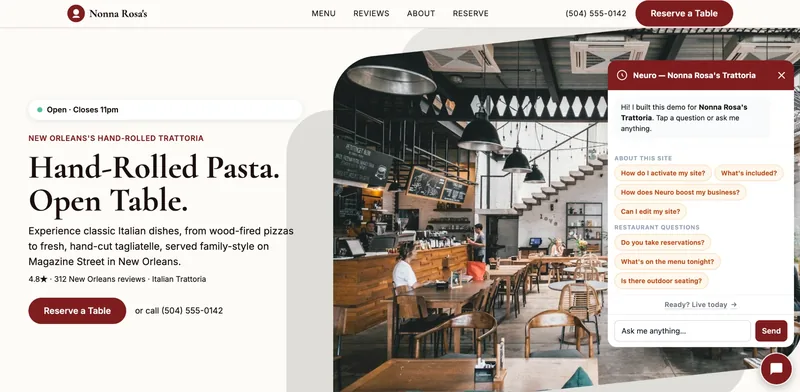
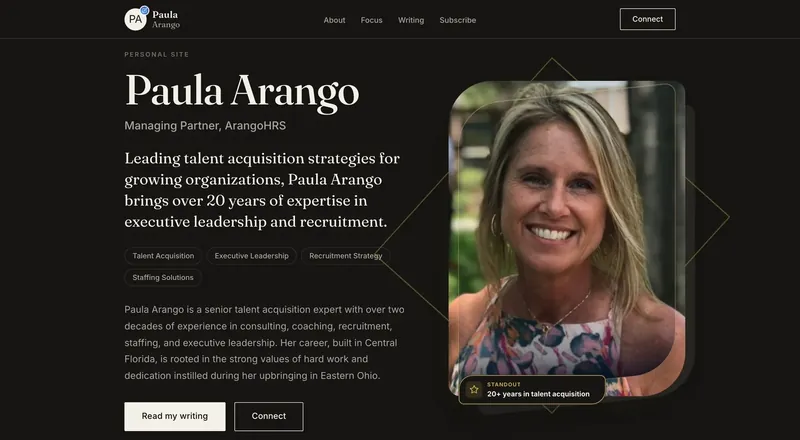
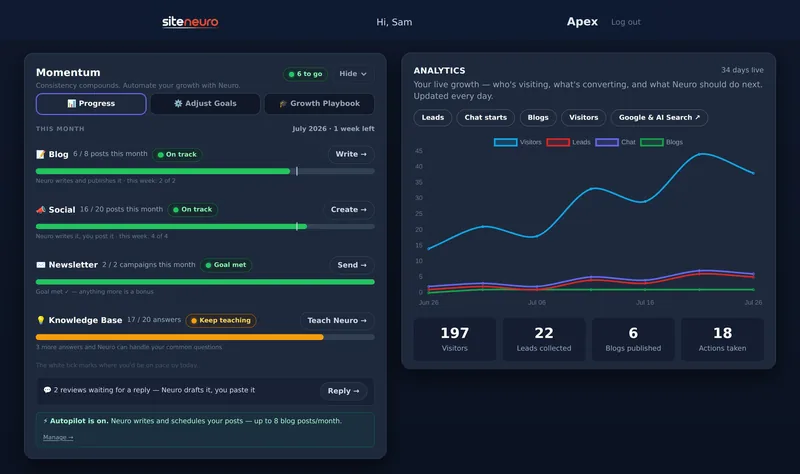
Your growth partner
A website is the start. Neuro keeps it working.
- Built from your Google or LinkedIn
- Answers visitors, captures leads
- Drafts blog, social and newsletter
- Nothing goes out until you approve it
Rated Excellent on TrustpilotGlobal review platform · 300M+ reviews
Call now. Book online. Get a quote.
If your site has no obvious button, or the button is buried at the bottom of a long page, visitors drift away.
Check this:
- Open your home page on a phone.
- Without scrolling, can you see what you do, where you do it, and how to contact you?
If not, the structure needs work, not just the words.
Sign 7: Your reviews aren't on it
You might have dozens of great Google reviews.
But if your website doesn't show any of them, a visitor who skipped your Google listing never sees that proof.
Adding reviews can be an update. But if your site has nowhere sensible to put them, that's a design problem.
Sign 8: It shows a "Not secure" warning
Look at the address bar.
If your browser shows "Not secure" next to your web address, your site isn't using HTTPS.
That warning puts people off, especially on a contact or booking form.
Sometimes your host can fix this in minutes. If the site is so old that it can't be secured easily, it's time to move on.
Sign 9: It isn't bringing you anything
The final test is the simplest.
When did the website last bring you a customer?
If the answer is "I don't know" or "never," check two things in Google Search Console (it's free):
- Are your pages showing up in search at all?
- When they show up, does anyone click?
A site nobody finds needs better content and local signals. A site people find but ignore usually needs a better design and a clearer offer.
4 signs you probably don't need a redesign
Not every tired-looking website needs to be rebuilt.
You probably just need an update if:
- It works well on phones and loads fast, but some details are out of date.
- You can edit it yourself, you just haven't in a while.
- You want to add one service or page, not rethink the whole site.
- It already brings in calls, and you just want a few more.
In those cases, a redesign could even set you back. You'd spend money and risk losing the Google visibility you've already earned.
Here's how to update your website yourself in an afternoon instead.
The 15-minute redesign test
Grab your phone and a pen. Give each question one point for "yes":
- Do I have to pinch or zoom to read my site on a phone?
- Does PageSpeed Insights show poor Core Web Vitals on mobile?
- Is any key detail wrong (services, hours, address, phone, prices)?
- Would I need someone else to change my opening hours?
- Does my site look clearly older than my top three competitors' sites?
- Is there no clear "call", "book" or "quote" button near the top?
- Are my best reviews missing from the site?
- Does the browser show "Not secure"?
- Has the site brought me no customers I know of in the last six months?
0–1 points: keep the site and update it.
2–3 points: fix the specific problems first, then decide.
4 or more points: a redesign will probably pay for itself.
What a redesign actually costs
If you scored 4 or more, the next question is money.
The honest answer is that it ranges from about a hundred dollars plus your time to well over $40,000. Who does the work matters more than how many pages you have.
There's a full breakdown, with published 2026 price ranges for DIY, freelancers and agencies, in how much a website redesign costs.
For simple one-page sites, there's also a newer route. AI website builders such as SiteNeuro can generate a site from your existing Google listing, so you can see a redesigned version of your business before paying anything.
It's not the right fit for a complex site. But for a small local business with an outdated site, it's worth a look before you request agency quotes.
Straight answers
How do I know if my website needs a redesign?
How often should a small business redesign its website?
Is it better to redesign or just update my website?
Will a website redesign improve my Google ranking?
What's a free way to check my website's performance?
Ready to put this to work?
Pick how much help you want. Both start with a free look at your site.
Essential $39/year
Just the website, done properly.
- Built from your Google or LinkedIn
- Set up for Google and AI search
- Hosting and security included
- Unlimited edits, no extra cost
Apex Concierge $119/mo
Your website, plus a growth team every week.
- Your site in your inbox within 2 hours
- 30-minute setup call with a specialist
- Answers visitors, captures leads
- Drafts blog, social and newsletter
Rated Excellent on TrustpilotGlobal review platform · 300M+ reviews