Comparisons
Website Redesign vs Refresh: Which Does Your Business Need?
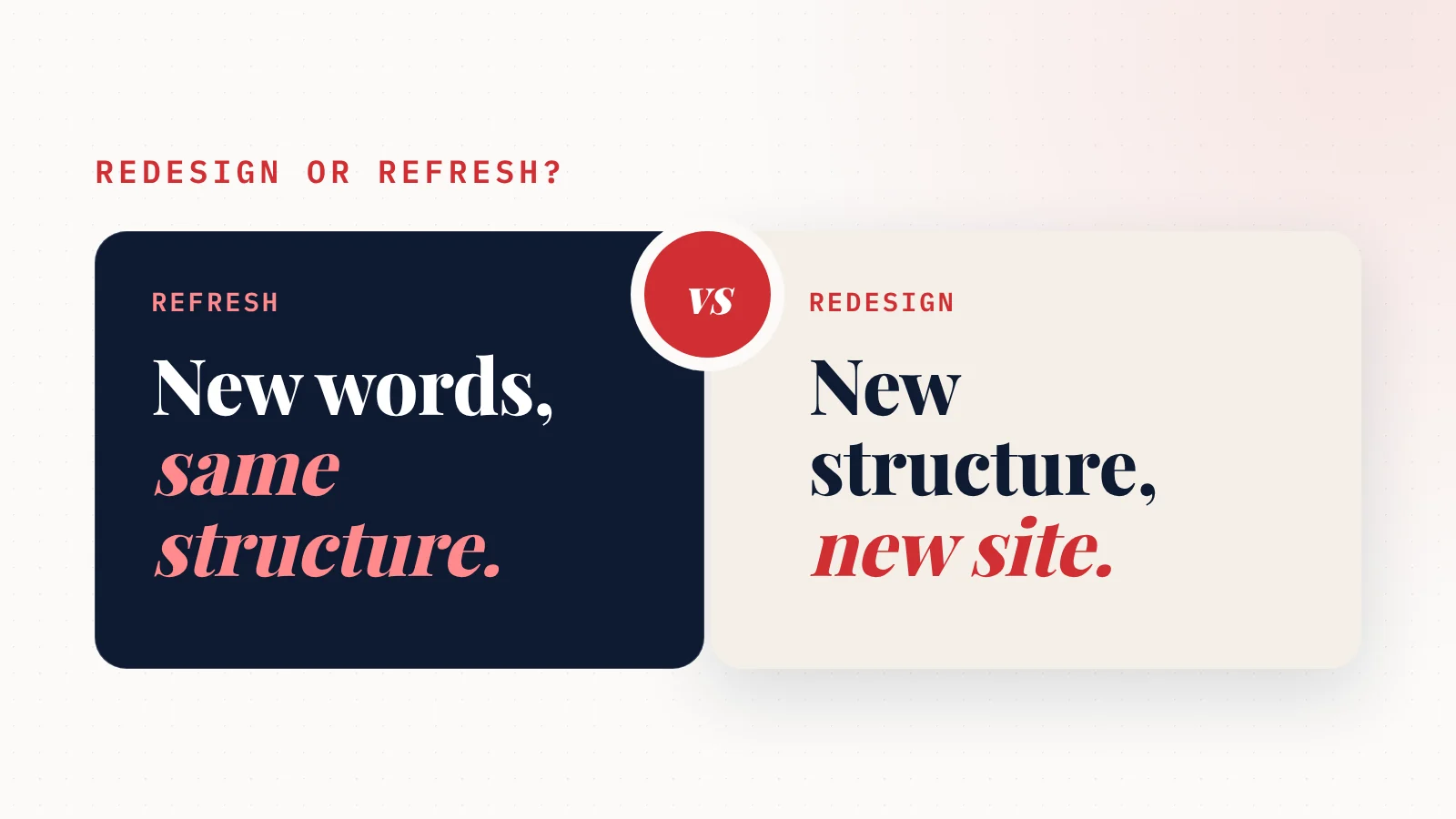
What's the difference between a website redesign and a refresh? A refresh updates what's on your site (words, photos, colours, a few pages) and keeps its structure.
A redesign rebuilds the structure itself: the layout, the navigation, often the platform underneath.
A refresh is quicker, cheaper and lower risk.
A redesign fixes problems a refresh can't touch.
So which one do you need?
Here's how to tell, in plain English, with a decision test at the end.
The short version
| Refresh | Redesign | |
|---|---|---|
| What changes | Content and look: text, photos, colours, fonts, a page or two | Structure: layout, navigation, page plan, often the platform |
| What stays | The site's skeleton and web addresses | Very little, except your brand and best content |
| Typical cost | Low: often your own time, or a few hours of a designer's | Higher: published 2026 guides start in the low thousands |
| Typical time | Days to a couple of weeks | Weeks to months |
| SEO risk | Low | Higher, unless old pages are redirected |
| Fixes slow or broken-on-phone sites? | Rarely | Yes |
Now the detail.
What a website refresh is
Think of a refresh like repainting a room.
Same walls. Same doors. It just looks and feels current again.
A refresh usually means:
- Rewriting key pages so they're clearer and up to date.
- New photos of your team, your work or your premises.
- Updated colours and fonts to match your current branding.
- Adding proof: reviews, before-and-after photos, certifications.
- Adding a page for a new service.
- Fixing the details: hours, prices, phone number, address.
The structure stays the same. Your menu, your page layout and your web addresses don't move.
That's why a refresh is low risk. Google keeps finding the same pages at the same addresses, just with better content on them.
What a website redesign is
A redesign is more like knocking down walls.
You're changing how the site is put together, not just what's on it.
A redesign usually means:
- A new layout for every page.
- New navigation: what's in the menu and how pages connect.
- A new page plan: some pages merged, split or removed.
- Often a new platform, for example moving off an old WordPress theme or an outdated builder.
- New web addresses for some or all pages.
Because so much moves, a redesign needs more planning. And it carries more risk if it's done carelessly.
When a refresh is enough
Choose a refresh if your site's foundations are sound.
That means:
- It works well on a phone. Text is readable, buttons are tappable, the phone number is tap-to-call.
- It loads quickly. Google's free PageSpeed Insights shows good results on mobile.
- You can edit it yourself. No waiting on a developer for small changes.
- The layout makes sense. Visitors can see what you do and how to contact you without hunting.
If all four are true, your problem is content, not structure.
Don't pay for a redesign to fix a content problem.
Here's how to update your website yourself, which covers most refresh jobs.
When you need a redesign
Choose a redesign when the problem is the foundation.
Your growth partner
A website is the start. Neuro keeps it working.
- Built from your Google or LinkedIn
- Answers visitors, captures leads
- Drafts blog, social and newsletter
- Nothing goes out until you approve it
Rated Excellent on TrustpilotGlobal review platform · 300M+ reviews
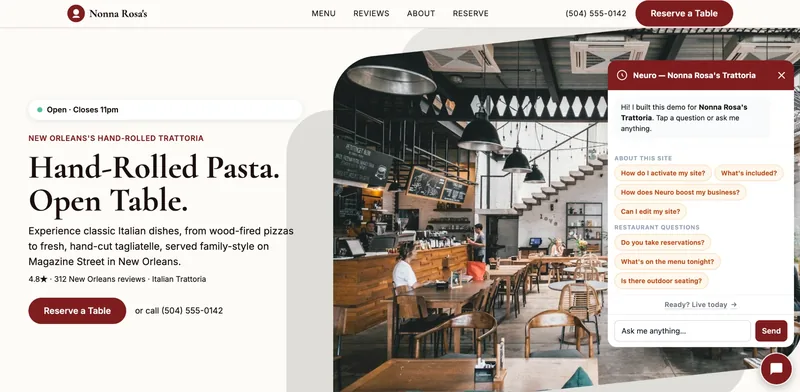
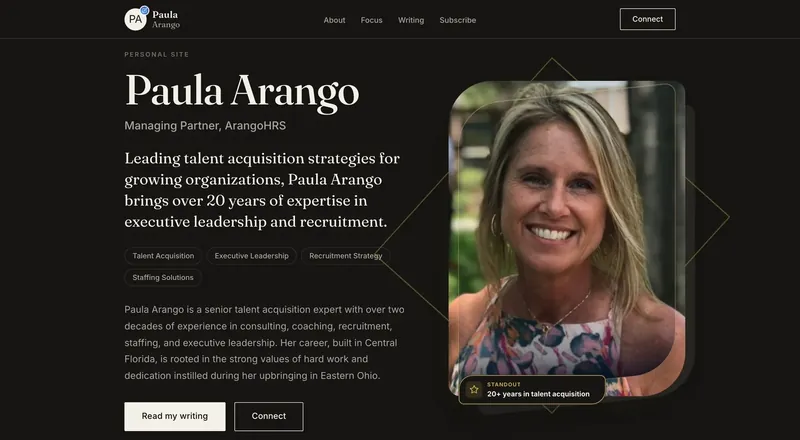
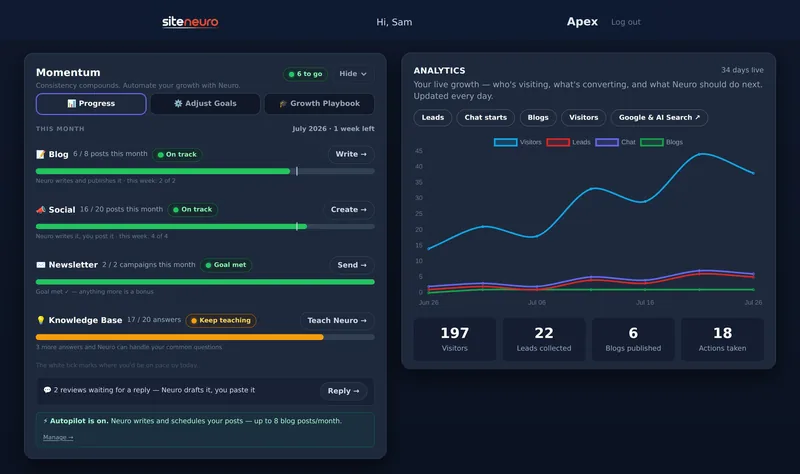
That usually means at least one of these:
- It's broken on phones, and fixing it means rebuilding the layout.
- It's slow because of the theme or platform, not just big photos.
- You can't edit it, and the platform makes that hard to change.
- The page plan no longer fits your business, for example you now offer five services and the site was built around one.
- It can't be made secure without major work.
New words and photos won't fix any of these. You'd be putting fresh paint on a wall that's about to come down.
If you're not sure which camp you're in, run through the signs you need a website redesign. It ends with a quick points test.
What each one costs
A refresh is often nearly free in cash terms. If you can edit your site, most of the cost is your time. If you hire help, you're paying for a few hours of writing or design work, not a whole project.
A redesign is a project. Published 2026 price guides put a basic small business redesign in the low thousands, with agency projects running into the tens of thousands. Who does the work changes the price more than anything else.
There's a full breakdown in how much a website redesign costs, including what it costs per year after launch.
The SEO question: will it hurt my Google ranking?
This is the question owners worry about most.
Here's the honest answer.
A refresh rarely hurts your ranking. Your pages stay at the same addresses. Better content on them often helps.
A redesign can hurt your ranking if it's done badly. The usual cause is simple: old pages disappear or change address, and nothing tells Google where they went.
The fix is called a 301 redirect. It tells Google "this page has moved permanently to here," so the visibility you've earned follows the page to its new home (Google Search Central).
Before any redesign, ask whoever builds it:
"Will every old page either keep its address or redirect to a new one?"
If the answer is anything other than a clear yes, slow down.
A third option: refresh now, redesign later
You don't have to pick one forever.
Many small businesses do this:
- Refresh now. Fix the details, add reviews, update photos. It's quick and it helps straight away.
- Plan the redesign. Write down what the site really needs to do: calls, bookings, quote requests.
- Redesign when you're ready, with your content already written, which also makes the redesign cheaper.
That way, your current site starts working better this week, while the bigger project waits until the budget and timing suit you.
How to decide in five minutes
Answer these on your phone, looking at your own site:
- Is it easy to read and use on a phone? No → redesign.
- Does PageSpeed Insights show good mobile results? No → likely redesign.
- Can you change your hours yourself today? No → likely redesign.
- Can a visitor see what you do and how to contact you without scrolling? No → redesign the layout.
- Are the words, photos or details out of date? Yes → refresh.
All "redesign" answers are no, but question 5 is yes? You need a refresh.
Any "redesign" answer? Get a redesign quote, and refresh the content in the meantime.
Straight answers
What is the difference between a website redesign and a refresh?
Is a website refresh cheaper than a redesign?
Does a website refresh help SEO?
Will redesigning my website hurt my SEO?
How long does a website refresh take?
Ready to put this to work?
Pick how much help you want. Both start with a free look at your site.
Essential $39/year
Just the website, done properly.
- Built from your Google or LinkedIn
- Set up for Google and AI search
- Hosting and security included
- Unlimited edits, no extra cost
Apex Concierge $119/mo
Your website, plus a growth team every week.
- Your site in your inbox within 2 hours
- 30-minute setup call with a specialist
- Answers visitors, captures leads
- Drafts blog, social and newsletter
Rated Excellent on TrustpilotGlobal review platform · 300M+ reviews