Getting Found
Why Is My Website Not Getting Traffic? 7 Fixes for Small Businesses
A website nobody visits can't win you customers. Here are the seven usual reasons, in the order to fix them.
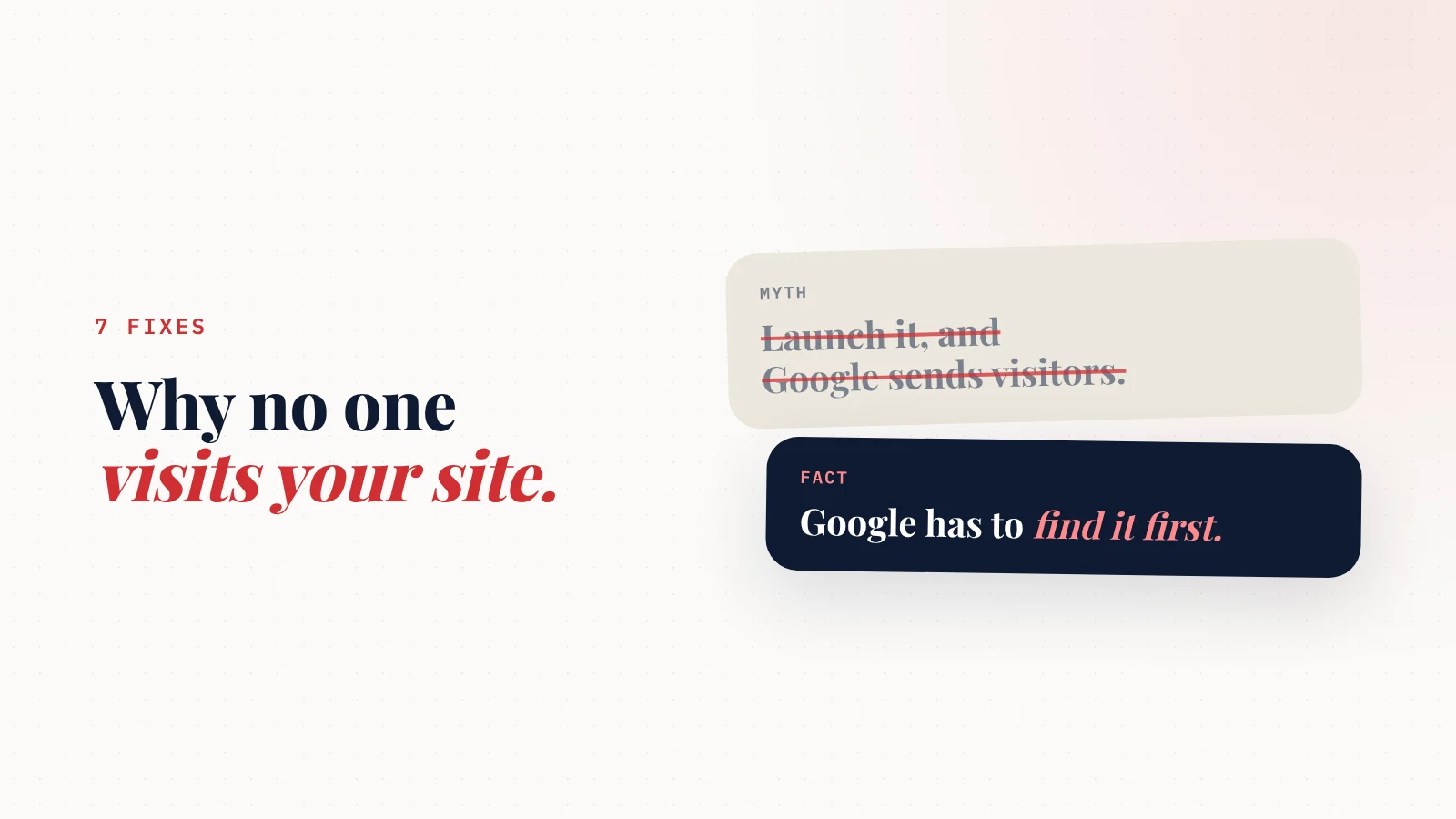
Why is my website not getting traffic? For most small businesses, it's one of seven things:
- Google hasn't indexed the site.
- It isn't linked from your Google Business Profile.
- Pages don't say clearly what you do and where.
- There are no reviews or links pointing to it.
- It doesn't answer the questions customers search.
- Nothing on it changes.
- It isn't readable by AI assistants.
Check them in that order.
Most fixes are free.
You paid for a website.
Maybe you spent a weekend building it. Maybe you paid someone.
It looks good.
And it gets... almost nobody.
The visitor counter barely moves.
The phone doesn't ring from it.
You start wondering if websites even work anymore.
They do.
But a website isn't a billboard on a busy road.
It's a shop on a street nobody knows exists yet.
The good news: the reasons are usually simple, and you can check most of them in an afternoon.
Here are seven, in the order to check them.
Fix 1: Make sure Google can find it
If Google hasn't indexed your site, it can't send you anyone.
The 10-second test: search Google for site:yourdomain.com (with your real domain).
- Pages show up → Google knows about your site. Move to fix 2.
- Nothing shows up → Google hasn't indexed it yet.
How to fix it:
- Set up Google Search Console (free).
- Add your site and verify it.
- Submit your sitemap (usually yourdomain.com/sitemap.xml).
- Check your site isn't set to "hide from search engines." Many builders have this switch, and it's sometimes left on after building.
New sites can take a few days to a few weeks to appear.
Fix 2: Link it from your Google Business Profile
For a local business, most search visibility comes through your Google Business Profile, the box with your reviews, hours and map pin.
If your website isn't linked there, you're missing your biggest source of visitors.
Check:
- Your website link is on your profile.
- Hours, phone and services match your site exactly.
- Your profile is verified and active, with recent photos and posts.
Full walkthrough: Google Business Profile optimization checklist.
Fix 3: Say what you do and where, in plain words
This is the most common problem on small business websites.
SiteNeuro scored 605 local business websites, all belonging to businesses with at least a 4.0 rating and 10+ Google reviews. About 1 in 5 scored below 45 out of 100. And the weak sites mostly weren't failing on mobile. They were failing to say clearly what the business does and how to reach it.
Google can't rank a page for "emergency plumber in Tampa" if the page only says "Quality You Can Trust."
Check your homepage for:
- What you do, in the headline. "Family dentist in Mesa, AZ" beats "Smiles for life."
- Where you work, in plain text. List your towns or neighborhoods.
- Each main service, named and described, not just pictured.
- Your phone number and address as text, not only inside an image.
Fix 4: Give Google reasons to trust you
Google ranks businesses that other people vouch for.
For a local business, that means:
- Reviews on your Google profile (and quoted on your site).
- Listings in the main directories: Bing Places, Apple Business Connect, Yelp, Facebook, your industry's directories.
- Local links: your chamber of commerce, local sponsorships, partner businesses, a local news mention.
Every listing should show the same name, address and phone number.
There are 12 free ways to do this in how to promote your website for free.
Fix 5: Answer the questions customers search
People don't only search for "plumber." They search:
Your growth partner
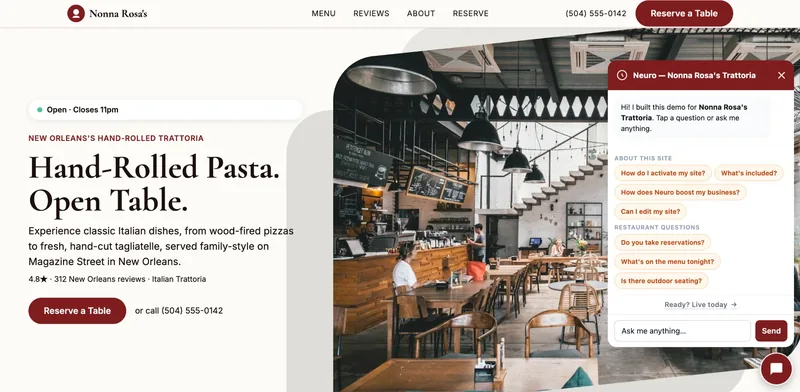
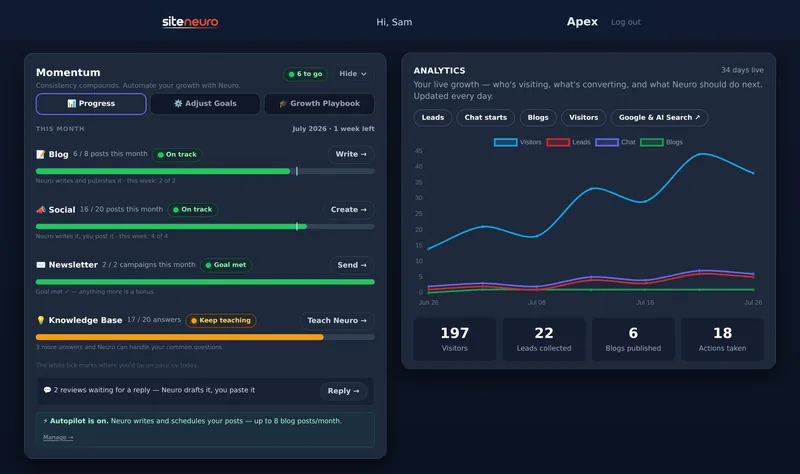
A website is the start. Neuro keeps it working.
- Built from your Google or LinkedIn
- Answers visitors, captures leads
- Drafts blog, social and newsletter
- Nothing goes out until you approve it
Rated Excellent on TrustpilotGlobal review platform · 300M+ reviews
- "How much does it cost to fix a leaking pipe?"
- "Do I need a permit for a new water heater?"
- "Why is my AC blowing warm air?"
Every question your customers ask you is a search someone is typing into Google.
Add answers to your site:
- A FAQ section on your main page.
- A short blog post for the bigger questions.
You don't need to post every day. One useful answer a month adds up.
Fix 6: Keep it alive
A website that hasn't changed since 2021 looks abandoned, to customers and to search engines.
Simple ways to show you're active:
- Update photos with recent work.
- Add new reviews as they come in.
- Post seasonal updates or offers.
- Keep hours and prices current.
Fix 7: Make it readable for AI search
More customers now ask ChatGPT, Gemini or Google's AI "who's a good _ near me?" instead of scrolling through results.
Those assistants recommend businesses whose information is clear, consistent and backed by reviews.
Quick test: paste your website into ChatGPT and ask what you do, where, and how to contact you. If it struggles, customers using AI will never hear about you. Here are 7 prompts to have ChatGPT review your website.
Traffic follows clarity. Make it obvious what you do, where you do it and why people trust you.
Traffic but no calls? A different problem
Sometimes the visitors come, but nothing happens.
If Search Console shows people visiting but your phone stays quiet, check:
- Is your phone number tappable on a phone?
- Is there one clear action (call, book, get a quote) near the top?
- Can people see proof, like reviews and real photos, without scrolling far?
- Does it load fast on a phone? Test it free with Google's PageSpeed Insights.
That's a conversion problem, not a traffic problem. It's usually quicker to fix.
The order matters
If you only have one afternoon, do these:
- Search site:yourdomain.com and set up Search Console.
- Link your site from your Google Business Profile and match the details.
- Rewrite your homepage headline to say what you do and where.
Those three fix the majority of "no traffic" problems for local businesses.
If your site needs more than a headline fix, it can be faster to start from a site built around your real services, area and reviews. That's how SiteNeuro builds one, from your Google listing, in about a minute.
Straight answers
Why is my website not getting any traffic?
How long does it take a new website to get traffic?
How do I check if Google has indexed my website?
Does a small business website need SEO?
Why do people visit my website but not contact me?
Ready to put this to work?
Pick how much help you want. Both start with a free look at your site.
Apex Concierge $119/mo
Your website, plus a growth team every week.
- Your site in your inbox within 2 hours
- 30-minute setup call with a specialist
- Answers visitors, captures leads
- Drafts blog, social and newsletter
Essential $39/year
Just the website, done properly.
- Built from your Google or LinkedIn
- Set up for Google and AI search
- Hosting and security included
- Unlimited edits, no extra cost
Rated Excellent on TrustpilotGlobal review platform · 300M+ reviews