Get More Customers
Instagram for Local Businesses: What to Post That Brings People In
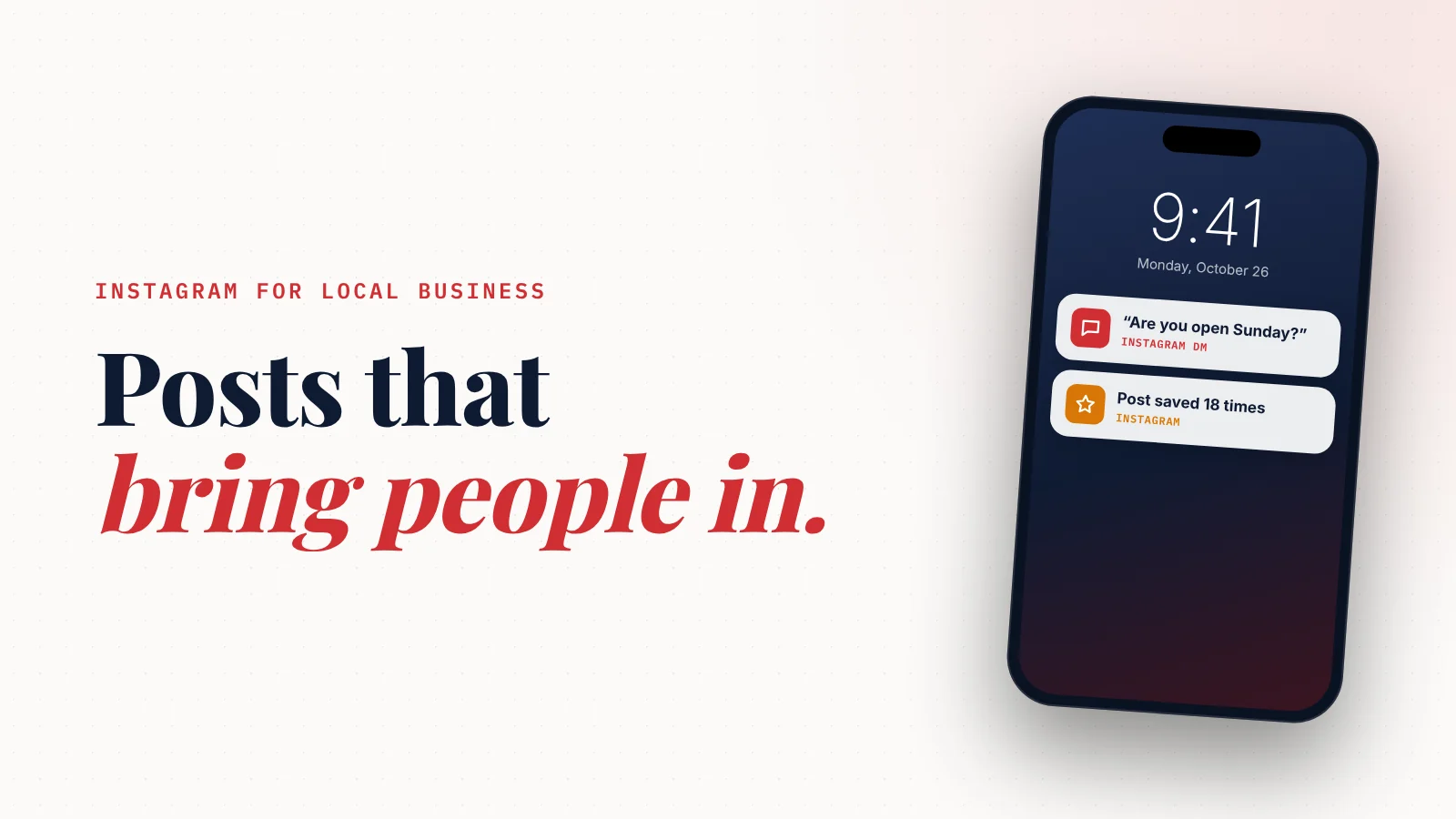
What should a local business post on Instagram? Post what a nearby customer needs to decide to visit: your real work, your real people, proof from happy customers, and a clear reason to come in this week.
Three posts a week of that beats a daily stream of quotes and stock photos.
You opened Instagram to post something.
Then you stared at the screen.
What do you even say today?
So you post a motivational quote.
Or a stock photo.
Or nothing.
Here's the thing.
Instagram doesn't reward local businesses for posting more. It rewards them for posting what makes a neighbor want to come in.
Let's fix what you post, then how often, then how it turns into customers.
Why most local Instagram accounts don't bring in customers
Most local accounts make the same three mistakes:
- They post for other business owners, not for customers. Quotes and "hustle" posts get likes from strangers in other cities. None of them will ever walk in.
- They post the product, never the experience. A plate on a white table looks like every other plate. The steam, the counter, the person who made it is what sells.
- They never tell anyone what to do next. A beautiful post with no "book," "call," or "come by Saturday" is a missed sale.
The fix isn't more effort.
It's aiming every post at one person: someone within a few miles who could visit this week.
The 8 post types that bring local customers in
You don't need new ideas every day. You need a short menu you rotate through.
1. Behind the scenes
Show the work people never see. Prep at 6 a.m. The van being loaded. The before-photo of a messy job.
This builds trust faster than any polished ad, because it shows real people doing real work.
2. Before and after
If your work changes something you can see, this is your best post. Cleaners, salons, landscapers, detailers, contractors, dentists.
Keep it honest. Same angle, same light, no filters.
3. Customer proof
Turn a real review into a post. Screenshot it, or put the best line on a simple branded image.
Tag the customer only if they're happy to be tagged.
4. Meet the team
Faces sell local businesses.
One photo, one name, one sentence: "This is Maria. She's done 400 color jobs and still gets excited about every one."
5. The local angle
Tie your business to the neighborhood. A street festival you're part of. The farm your eggs come from. The school team you sponsor.
Local posts tell Instagram and your neighbors where you belong.
6. The useful tip
One tip your customers can use today.
A plumber: "What to do in the first five minutes of a leak." A dentist: "The one brushing mistake almost everyone makes."
Useful posts get saved and shared. Saved posts keep showing up.
7. The offer or the moment
Give people a reason to come now, not someday. A seasonal menu. Two open slots Thursday. A class starting next week.
Be specific. "Come visit!" is not an offer. "Two Saturday appointments left. Book from the link in our bio" is.
8. The question
Ask something your customers actually have opinions about.
"Which should we bring back for winter?" "What's the job you keep putting off?"
Replies tell Instagram people care. They also tell you what to sell.
A simple weekly plan you can keep
Three posts a week is enough for most local businesses. Here's a rhythm that covers the eight types in under two weeks:
| Day | Post type | Example |
|---|---|---|
| Monday | Behind the scenes or team | Opening prep, meet a staff member |
| Wednesday | Proof | A before/after or a customer review |
| Friday | Offer or local moment | Weekend slots, a seasonal special, a local event |
Stories fill the gaps. Use them for quick, unpolished moments: today's specials, a delivery arriving, a "we're open late tonight." They disappear in 24 hours, so they don't need to be perfect.
Reels are worth one a week if you can manage it. Short vertical video gets shown to people who don't follow you yet. A 15-second clip of hands doing the work is enough. You don't need to dance, talk to the camera, or use trends.
Fix your profile before you post anything else
Your posts send people to your profile. If your profile is confusing, they leave.
Your growth partner
A website is the start. Neuro keeps it working.
- Built from your Google or LinkedIn
- Answers visitors, captures leads
- Drafts blog, social and newsletter
- Nothing goes out until you approve it
Rated Excellent on TrustpilotGlobal review platform · 300M+ reviews
Check these five things today:
- Name field: include what you do and where. "Rosa's Bakery | Austin Sourdough" is searchable. "Rosa's" alone isn't.
- Bio: one line on what you do, one line on who it's for, one line telling them what to do. "Book below" is fine.
- Link: point it to a page where people can actually book, order, call or find you. Not a dead homepage.
- Contact buttons: switch to a business or creator account so the Call, Email and Directions buttons show up.
- Highlights: save Stories into a few highlights people look for: Menu or Services, Reviews, Location, Prices.
A great post with a confusing profile loses the customer at the last step.
How to turn followers into customers
Followers are not customers. Here's how to close the gap.
Make the next step obvious
End posts with one clear action. "Tap the link to book." "Call us, the number's in our bio." "Come by before 2."
One action per post. Not three.
Send them somewhere that converts
Instagram is where people find you. Your website is where they decide.
Someone who likes your post will check your hours, prices, reviews and location before they visit. If that information is scattered across old posts, many of them won't bother.
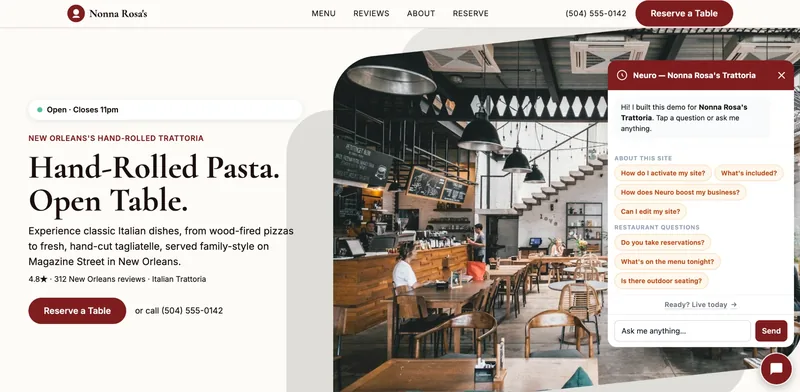
A simple website with your services, real reviews, a map and a booking or contact button does that job in seconds.
Answer messages fast
A DM asking "do you have room Saturday?" is a customer with their wallet out.
Answer within the hour if you can. Save quick replies for your most common questions: prices, hours, booking.
Show up where Instagram doesn't reach
Many customers will never see your posts. They search Google, ask ChatGPT, or check reviews.
Instagram works best as one part of how people find you, not the only part. Keep your Google Business Profile current, ask happy customers for reviews, and make sure your website answers the questions people ask.
How to keep it going when you're busy
The hardest part of Instagram isn't knowing what to post. It's still posting in week six.
A few habits help:
- Batch your photos. Take 20 photos in one quiet hour, then post from that folder all week.
- Reuse what worked. A post that brought messages can run again in two months with a new photo.
- Write captions in one sitting. Ten minutes on Sunday for the whole week.
- Don't chase daily. Three good posts beat seven rushed ones.
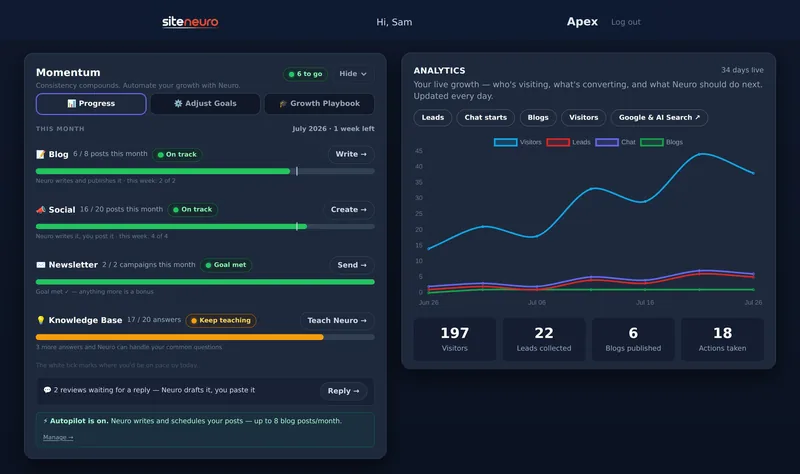
If even that is too much, you can hand off the writing. SiteNeuro owners can have Neuro write the caption and a branded image for Instagram, Facebook, LinkedIn or X from their own services and reviews, then review it before it goes out. On the Neural plan, you can schedule the week and Neuro reminds you with everything ready to paste.
Whatever you use, the rule stays the same: post what makes a neighbor want to come in.
What to avoid
- Buying followers. They aren't local, they never visit, and they drag down how many real people see your posts.
- Posting only promotions. If every post is a sale, people stop looking.
- Copying big brands. You aren't a national chain. Your advantage is that you're real and nearby. Show it.
- Ignoring comments. A comment without a reply is a conversation you walked away from.
Straight answers
How often should a local business post on Instagram?
What is the best type of post for a local business?
Do Reels help local businesses?
Should a local business use hashtags?
Is Instagram enough without a website?
Ready to put this to work?
Pick how much help you want. Both start with a free look at your site.
Apex Concierge $119/mo
Your website, plus a growth team every week.
- Your site in your inbox within 2 hours
- 30-minute setup call with a specialist
- Answers visitors, captures leads
- Drafts blog, social and newsletter
Essential $39/year
Just the website, done properly.
- Built from your Google or LinkedIn
- Set up for Google and AI search
- Hosting and security included
- Unlimited edits, no extra cost
Rated Excellent on TrustpilotGlobal review platform · 300M+ reviews