AI Tools
AI Social Media Post Generators: What Works for a Small Business
You don't need an expensive tool to post every week. Here's the simple AI setup that turns your real business details into a month of posts.
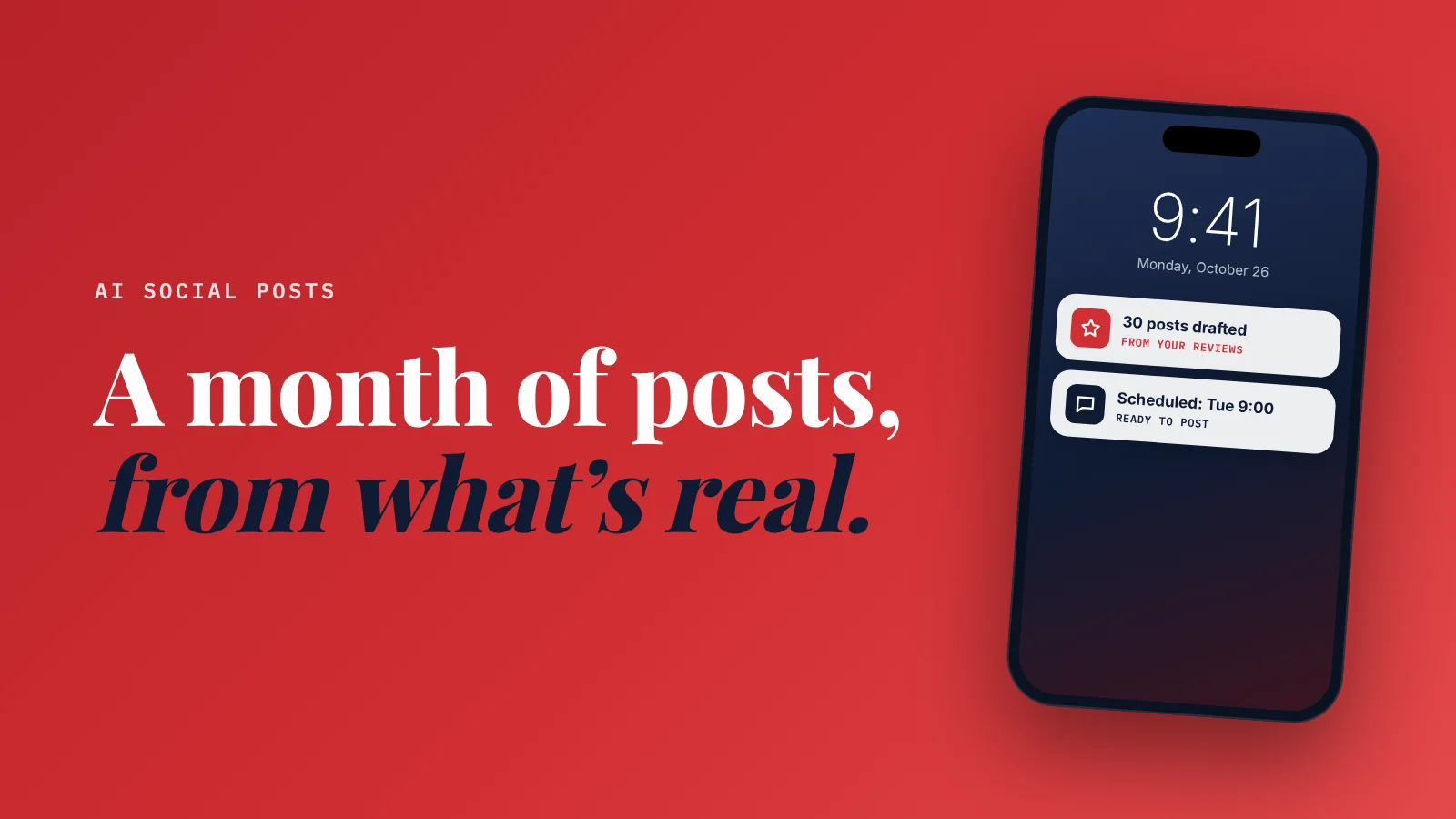
What's the best AI social media post generator for a small business? For most owners, a general assistant plus a free scheduler is enough.
The assistant (ChatGPT, Claude or Gemini) drafts a month of posts from your services and reviews.
The scheduler, like Buffer, publishes them.
Paid all-in-one tools make sense for teams or several accounts.
Whatever you use, feed it real details, or every post will sound generic.
You know you should post more.
You also know what happens when you sit down to do it.
Blank caption box.
Five minutes of staring.
A stock photo and "Happy Monday! ☀️"
So AI post generators sound perfect. Type a topic, get a post.
And that's exactly the trap.
Type a vague topic and you get a vague post: the same "Elevate your experience ✨" caption every other business is publishing. Your followers scroll straight past it.
I spend a lot of time getting AI to write well.
The secret isn't the tool.
It's what you feed it.
Here's what works, what it costs, and a workflow that takes about an hour a month.
The 4 kinds of AI post tools
1. A general assistant (cheapest, most flexible)
ChatGPT, Claude or Gemini. Free plans exist; paid plans are about $20 a month. (How to choose between them.)
ChatGPT is great for planning a month of posts and creating the images to go with them. Claude is an equally strong choice for planning and design, and particularly good at captions that sound like a real person.
Strengths: writes in any style, uses whatever details you give it, plans a month at once.
Weakness: it doesn't post for you. You copy the posts into a scheduler.
2. A scheduler with an AI writer built in
These draft captions inside the tool where you schedule posts.
- Buffer: free plan with its AI Assistant included; paid plans start at $5 per channel a month.
- Hootsuite: plans start from $99, built for teams, with AI post and image generation on its Standard plan.
Strengths: write and schedule in one place.
Weakness: the built-in AI is usually simpler than a dedicated assistant, and it doesn't know your business unless you tell it every time.
3. Design tools with AI
Canva includes AI writing and design features, with limits on its free plan and more on paid plans.
Strengths: the graphic and the caption together.
Weakness: it's easy to end up with polished posts that say nothing.
4. An integrated growth system
Some platforms write social posts as one part of a bigger system that starts with your website.
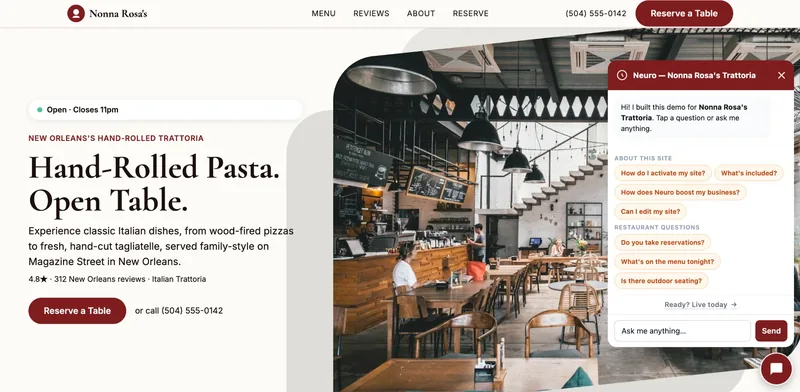
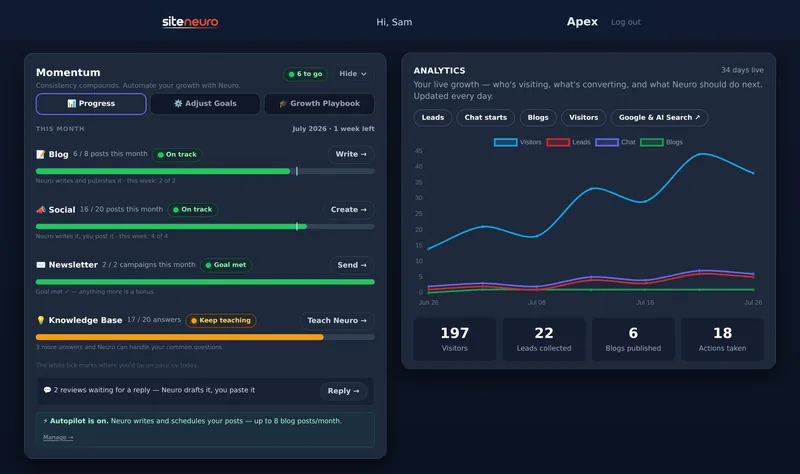
SiteNeuro works this way. It builds your website from your Google listing and reviews, and its growth plans add Neuro: an assistant that answers your visitors, writes blog posts, drafts and schedules social posts from your real services and reviews, and drafts review replies. Social posts start on the Neural plan at $59 a month.
Full disclosure: I'm the founder of SiteNeuro, so weigh my view accordingly.
Strengths: the AI already knows your business, and your posts, website and reviews work together instead of living in five tools.
Weakness: it's a bigger commitment than a free scheduler. If you only want help with captions, options 1 and 2 cost less.
Side-by-side comparison
| ChatGPT / Claude | Buffer | Hootsuite | Canva | SiteNeuro | |
|---|---|---|---|---|---|
| Free option | Yes | Yes, AI Assistant included | No free plan listed | Yes, with AI limits | Free demo of your site |
| Paid from (Oct 2026) | About $20/month | $5 per channel/month | From $99 | Check Canva's pricing page | $59/month (Neural) for social posts |
| Writes posts | Yes, very well | Yes, basic | Yes | Yes, basic | Yes, from your services and reviews |
| Creates images | Yes | No | Yes (Standard plan) | Yes, its strength | Use your own photos |
| Schedules posts | No | Yes | Yes | Yes | Yes |
| Knows your business | Only what you paste in | Only what you type | Only what you type | Your brand kit | Yes: your site, services and reviews |
| Also does | Everything else you ask | Analytics | Team inbox, analytics | All your design work | Website, visitor assistant, blog, review replies |
| Best for | Planning and writing | Solo owners on a budget | Teams, several accounts | Graphics-heavy posting | Owners who want one growth system |
My recommendation by situation
| You are... | Use |
|---|---|
| A solo owner with one or two accounts | A free assistant + Buffer's free plan |
| Posting lots of graphics (menus, offers, events) | Canva + Buffer |
| A team managing several businesses or locations | An all-in-one scheduler like Hootsuite |
| An owner who wants the website, posts and replies handled together | An integrated growth system like SiteNeuro |
The 1-hour monthly workflow
This is the routine that works with any tool.
Your growth partner
A website is the start. Neuro keeps it working.
- Built from your Google or LinkedIn
- Answers visitors, captures leads
- Drafts blog, social and newsletter
- Nothing goes out until you approve it
Rated Excellent on TrustpilotGlobal review platform · 300M+ reviews
Step 1: Gather real material (15 minutes)
AI can't invent your business. Give it:
- Your services, and which ones you want more of this month
- 3–5 recent reviews, copied word for word
- What's happening this month: a season, an event, a new product, a holiday
- A few photos from your phone: real work, real team, real place
Step 2: Ask for a month of posts (10 minutes)
Paste your material and use a prompt like this:
"You write social posts for [business name], a [type of business] in [town]. Here are our services, recent reviews and this month's news: [paste]. Write 12 Instagram/Facebook posts for [month]: 4 showing our work, 3 based on the reviews (quote them), 3 tips our customers would find useful, and 2 with a clear offer. Under 80 words each. Plain, friendly language, like a local owner talking. No hashtag walls, at most 3 hashtags. End each post with one clear action."
Step 3: Edit like the owner (20 minutes)
Read every post out loud. Change anything you wouldn't say.
Delete these on sight:
- "Elevate," "unlock," "seamless," "journey," "game-changer"
- More than one emoji per line
- Questions nobody would answer ("Who else loves Mondays?")
- Anything you can't back up ("the best in town")
Step 4: Match photos and schedule (15 minutes)
Pair each post with a real photo. Schedule three a week. Done for the month.
What to post, with examples: Instagram for local businesses.
AI writes the first draft. You make it sound like you. That's the whole trick.
4 prompts to keep
Turn a review into a post:
"Turn this customer review into a short, warm thank-you post that quotes the best line. Don't exaggerate: [paste review]."
Behind the scenes:
"Write a short post about [what's happening today at the business] that makes people feel they know us. Two to three sentences, casual."
Seasonal tip:
"Write a helpful tip for our customers about [seasonal problem] that a [your trade] would know. End by inviting them to book."
Offer without sounding pushy:
"Write a post announcing [offer] with the deadline [date]. Clear, friendly, no hype words, under 60 words."
The mistakes that make AI posts flop
- Posting without editing. Followers can tell, and it erodes trust.
- No real photos. AI captions on stock images look like ads.
- Too much, too fast. Three good posts a week beat two generic posts a day.
- Forgetting the action. Every post should say what to do next: call, book, visit, reply.
More options by job: the AI tools a small business owner actually needs.
Straight answers
What is the best AI social media post generator?
Is there a free AI social media post generator?
How do I make AI social media posts sound human?
How often should a small business post on social media?
Can AI schedule my social media posts?
Ready to put this to work?
Pick how much help you want. Both start with a free look at your site.
Apex Concierge $119/mo
Your website, plus a growth team every week.
- Your site in your inbox within 2 hours
- 30-minute setup call with a specialist
- Answers visitors, captures leads
- Drafts blog, social and newsletter
Essential $39/year
Just the website, done properly.
- Built from your Google or LinkedIn
- Set up for Google and AI search
- Hosting and security included
- Unlimited edits, no extra cost
Rated Excellent on TrustpilotGlobal review platform · 300M+ reviews